Every week as a CSM is akin to the Olympics of prioritization.
When your book of business is in the dozens (or even 100+), at any given moment, you’ll have accounts that:
- Are up for renewal
- Are churn risks
- Are at risk of dropping off your radar
And dozens of other things you need to remember each and every day before you log on for work. At the same time, today’s CSMs are responsible for doing more for their accounts, playing an active role in expansion while holding onto some shred of sanity.
This is exactly what AI-driven sentiment analysis was built for: Not to replace you in the customer relationship equation, but to make your life easier while equipping you to serve customers better.
In this guide, we’ll share how AI-powered Customer Success tools can be used to analyze customer activity in your product, flag sentiment risks, and help you scale your CS workflows.
What is AI-Powered Sentiment Analysis?
Sentiment analysis is the process of reviewing customer feedback and gauging whether it is positive, negative, or neutral.
For CSMs, this is incredibly powerful intel that can guide how you manage renewals or mitigate churn. Every frustrated support ticket, lukewarm NPS response, or enthusiastic post-onboarding interaction is a valuable data point that can fuel your CS processes.
When integrated into a customer success platform like Vitally, sentiment data feeds directly into health scores, dashboard alerts, and proactive playbooks, so your team can be proactive rather than reactive.
Why AI Matters for Customer Success
The obvious one is time savings. That’s the benefit that CS leaders and the C-Suite tout.
But AI does more than shave minutes off your day; AI solves the all-too-familiar problem of managing a growing portfolio of accounts at scale, leading to problems like:
- Blind spots in customer health: Manual methods miss early warning signs buried across hundreds of interactions. A single frustrated support ticket is easy to overlook, and a CSM managing 40+ accounts won't always catch it.
- Overwhelming data volume: CSMs managing 30–50 accounts cannot read every ticket, email, or chat log. AI tools can process thousands of interactions in real time, distilling them into scores and flags that your team can act on.
- Reactive vs. proactive engagement: Traditional CS responds to problems after they bubble up from below the surface. AI-driven sentiment enables intervention before the customer sends the cancellation email.
- Predictive analytics integration: Sentiment scores are most powerful when combined with product usage and behavior data. If you combine negative sentiment on top of declining usage and approaching renewal dates then you’ll have a far more accurate churn prediction model than any single signal alone.
This is where AI transforms customer success from reactive support into strategic, data-driven relationship management. Next, we’ll share a blueprint you can follow to integrate AI into your workflows.
How to Implement AI for Customer Sentiment and Activity Tracking [5 Steps]
We understand if the idea of “AI-powered sentiment analysis” gives you pause, but trust us, integrating this into your existing CS workflows is much easier than you’d think.
As long as you have a good handle on your data and the right set of tools (more on this later), you can start automating sentiment and behavior analysis in a matter of minutes.
- Define your data sources
- Process and clean customer data
- Choose and train your models
- Integrate AI into your workflow
- Monitor performance and refine
Define Your Data Sources
The difference between AI responses that are actually useful and vague hallucinations that would fit more with a fortune cookie than a Customer Success Platform is your data.
You need data: lots of it. Start by assessing where your intent signals live, and what you’d like to do with them to power your health scores and playbooks. Many CS teams we work with include things like:
- Support ticket systems (Zendesk, Intercom, Freshdesk)
- Email communications (Gmail, Outlook via API integration)
- In-app chat and messaging
- Survey responses (NPS, CSAT)
- Product review sites (G2, Capterra)
- Social media mentions
- In-app activity (Pendo)
But more important than identifying sources is defining your objectives.
Are you trying to reduce churn? Identify expansion candidates? Improve response times for at-risk accounts? The goal you choose will determine which data sources matter most and what sentiment thresholds should trigger action.
Once you have your data sources set, move on to the next step.
Process and Clean Customer Data
Raw customer text isn't ready for AI analysis straight out of the box.
You need to process your data so that the AI models you choose (in the next step) can understand it and give you a valuable response. If you aren’t using a CSP, this means working with your technical team to clean data by:
- Removing irrelevant content or info
- Standardizing data formats
- Translating multilingual responses
But if you do use a CSP, processing your data is simply a matter of connecting your integrations or setting up a custom API connection.
Vitally offers dozens of integrations with popular tools like:
- Data warehouses, including Redshift and BigQuery
- CRMs like HubSpot and Salesforce
- Databases
- Sales and subscription tools
And a REST API to connect any tool that you can’t natively use.
Data quality directly determines output quality. Messy, incomplete data produces unreliable sentiment scores. If you're seeing strange results from your AI tools, the preprocessing step is usually the first place to look.
Choose and Train Relevant Models
If you use a CSP with built-in AI features, you won’t have to go through the trouble of selecting your AI models from scratch, but if you go the “home-grown” route, then this will be an essential step.
You have your choice between Large Language Models from Anthropic, OpenAI, and Gemini. While the differences between them can be relatively minor, each has its own quirks that are worth evaluating as you test them. We recommend trying 2-3 to see which outputs work the best for your team.
A CSP, on the other hand, offers a purpose-built AI solution for the needs of Customer Success. Vitally's AI features use machine-learning models trained on customer-success interaction data, meaning they're already calibrated for the kinds of communications CSMs handle daily.
Integrate Insights Into Your CSM Workflow
Up to now, it’s just been prep work: Get the data, clean the data, hand the data off to AI.
Now, your CSMs will get to roll up their sleeves and see how much AI can actually improve their day-to-day workflow. Change management when switching to new software or systems is worth its own post, but here are a few ways to get started:
- Set up dashboards for account overviews: Sentiment trends displayed per account so CSMs can spot shifts at a glance, without pulling separate reports
- Configure automated alerts: Notifications can be triggered when sentiment drops below defined thresholds for specific accounts or segments
- Fuel your health scores: Work sentiment into your health scores, either to flag churn risks or highlight expansion opportunities.
- Prioritized outreach queues: You can use this data to combine sentiment with activity data to surface which accounts need immediate attention vs. a light-touch check-in
Here’s an example from Vitally’s real-time alerts: Suppose an account expressed negative sentiment in three consecutive support tickets, Vitally could flag that account in your dashboard and send an alert to your team.
Rather than find out weeks after the fact, you can review the specific tickets, identify frustration around workflow complexity, and schedule a personalized training session all from the same platform.
Monitor Performance and Refine
As great as AI-powered tooling is, it’s not exactly a “set-it-and-forget-it” kind of thing.
You still need to keep a hand on the wheel to gauge whether these insights are accurate, helpful, and guiding your team in the right way. To guide these decisions, we recommend reviewing things like:
- AI sentiment scores versus actual outcomes. Did the accounts flagged as at-risk actually churn? Did predicted expansion candidates expand? Don’t take AI recommendations at face-value.
- Team check-ins to assess the usefulness and timeliness of these AI recommendations.
- Corrective feedback when the model misclassifies sentiment, particularly with sarcasm or industry-specific language
- Performance metrics like accuracy, time-to-intervention, and correlation with retention outcomes
This continuous learning loop is what makes predictive analytics capabilities compound over time. The more feedback the model receives, the more reliable its future predictions become.
Where Human Expertise Fits Alongside AI
CSMs today are asked to do more than ever before, and at the same time, they’re worried about being replaced entirely by AI.
While you’ll get a number of different takes online, our stance at Vitally has been that there are things AI categorically cannot do in a CS context, like:
- Build genuine trust over the course of a long customer relationship
- Navigate complex political dynamics within a customer's organization
- Understand the unstated business pressures behind a sentiment shift
- Make empathetic judgment calls in high-stakes, emotionally sensitive situations
- Negotiate renewals or lead strategic executive conversations
AI can generate content, speed up your path to insights, and suggest follow-up tasks – but let’s be honest, that’s just a small part of the value a CSM brings. You still need your CSMs’ years of expertise for things like:
- Understanding why sentiment shifted based on what's happening in a customer's business.
- Advising customers on best practices, roadmap decisions, and success planning that goes well beyond product features
- Detecting unspoken concerns, reading tone in live conversation, and responding to what customers mean rather than what they say
- Developing custom solutions for genuinely unique customer challenges that don't fit a playbook template
The magic of AI is that it frees up your team to focus more on those higher-value activities and less on lower-value busywork.
Without AI, a CSM managing 50 accounts spends valuable hours each week triaging communications, looking for warning signs, and deciding where to focus. With AI, that same CSM sees a prioritized list of 8 accounts that need attention this week and can invest that time building personalized success plans rather than searching for the problem.
That's the real argument for AI in customer success: not that it replaces CSM judgment, but that it reserves CSM judgment for the work where it actually matters.
The Best Customer Success Software for Sentiment Analysis and Activity Tracking
If one thing is clear from this article, we hope it’s the fact that the quality of your AI outputs will hinge on the quality and amount of your data.
No matter how sophisticated your AI model is, without valuable context from your product, customers, and communication history, the insights it provides will be no more useful than those from a Magic 8-Ball.
That’s why we recommend prioritizing a platform with the following characteristics:
- Ease of integration with your tools – especially your CRM, support tickets, and product usage data.
- A flexible API for custom integrations so you can connect all of your tools and not just the few that your platform natively supports.
- Purpose-built AI for Customer Success. While LLMs may be a major help, they have their limits and can only get you so far.
Of all the tools available for CSMs today, our favorites are:
- Vitally: Vitally's AI Copilot captures insights at scale, automates repetitive tasks, and turns knowledge into shared team intelligence. Vitally is flexible, easy to use, and quick to implement. Vitally’s strength lies in its ability to collect usage data, notes, transcripts, tickets, and NPS data and turn them into structured insights.
- ChurnZero: ChurnZero offers AI-powered "always-on digital teammates" that summarize customer information, suggest tasks, and draft content. AI agents require additional credits from their "AI Marketplace."
- Planhat: Planhat excels in flexibility and data-warehouse integration, with AI features that integrate with Gemini, OpenAI, and Anthropic. Unlike Vitally and ChurnZero, Planhat mainly leans on external AI functionality rather than native features.
- Gainsight: The most enterprise-centric option. Gainsight acquired Staircase in 2024 to add AI capabilities for sentiment analysis, risk identification, renewal forecasting, and task automation.
Each of them packs in a ton of useful features that can assist and automate your renewal process, so choosing one comes down to:
- Budget
- Implementation timeline
- How well their features suit your needs
While all four platforms offer strong AI capabilities, Vitally stands out for innovative CS teams that value speed and the ability to build their processes their way. That’s because Vitally gives you the full flexibility to set up your workflows and processes your way, while packaging it in an intuitive platform that inspires your team rather than overwhelms them.
Here’s what one customer has to say about Vitally’s AI capabilities on G2:
“In just one year, Vitally has fundamentally transformed our Partner Success organization… it has truly become the central nervous system for all our customer-facing activities. The new AI-powered features are phenomenal. The Meeting Recorder automatically joins, transcribes, and summarizes our Zoom calls, and the AI Copilot helps us instantly uncover risks and key insights from across the entire customer account. The AI meeting summaries alone have been a massive time-saver and have significantly improved our post-meeting follow-up.”
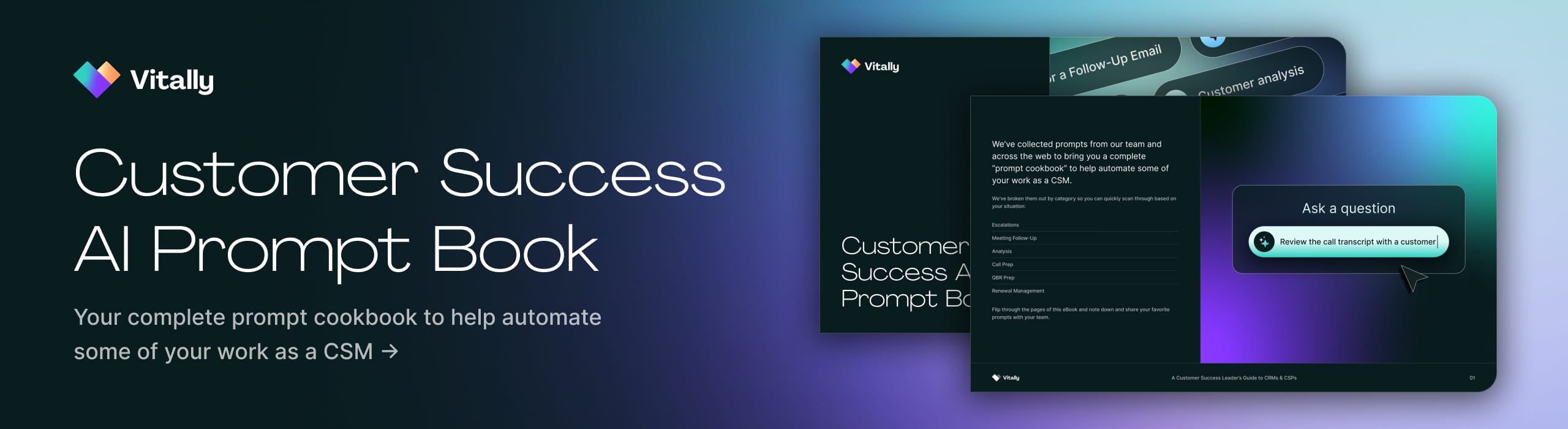
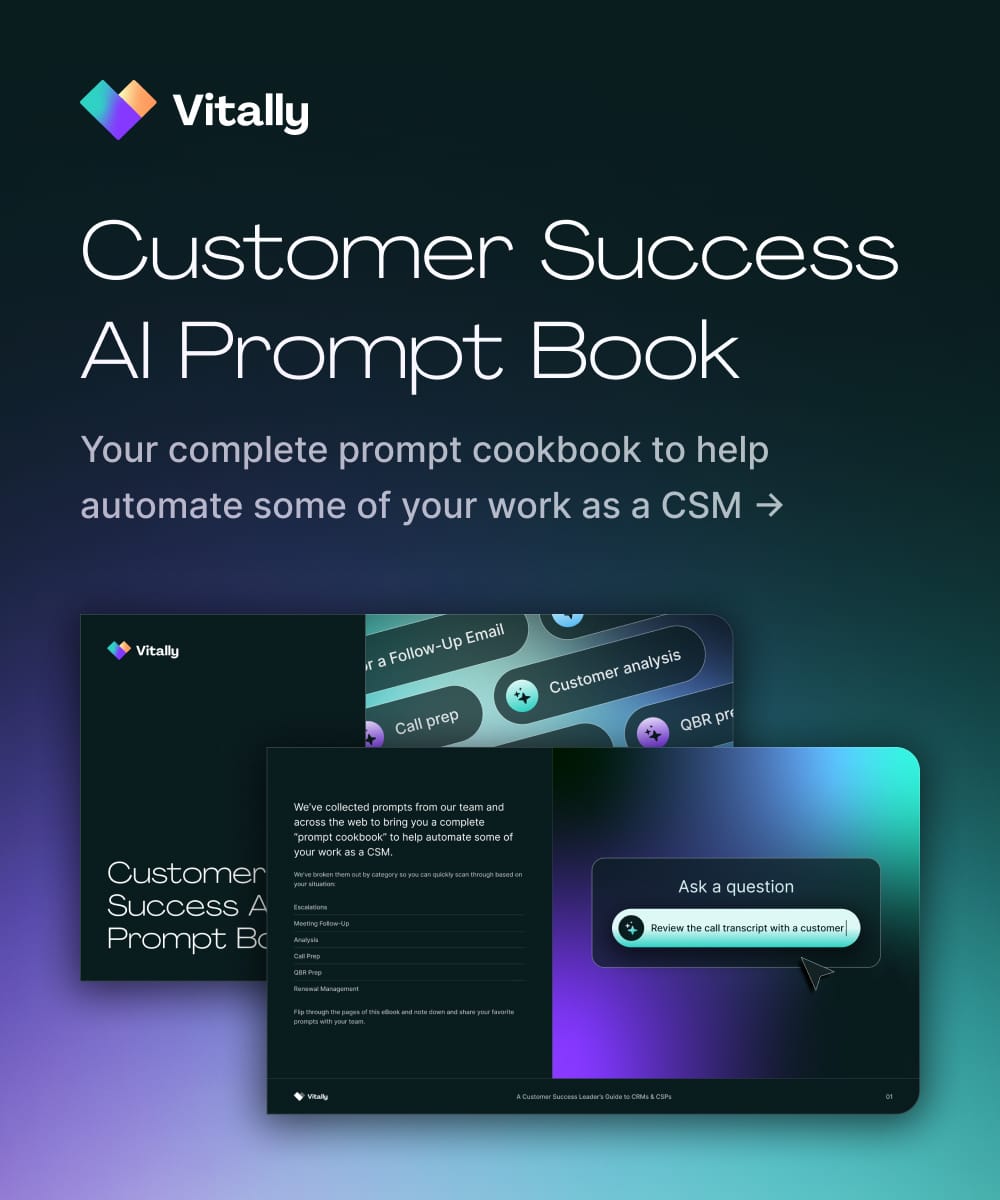
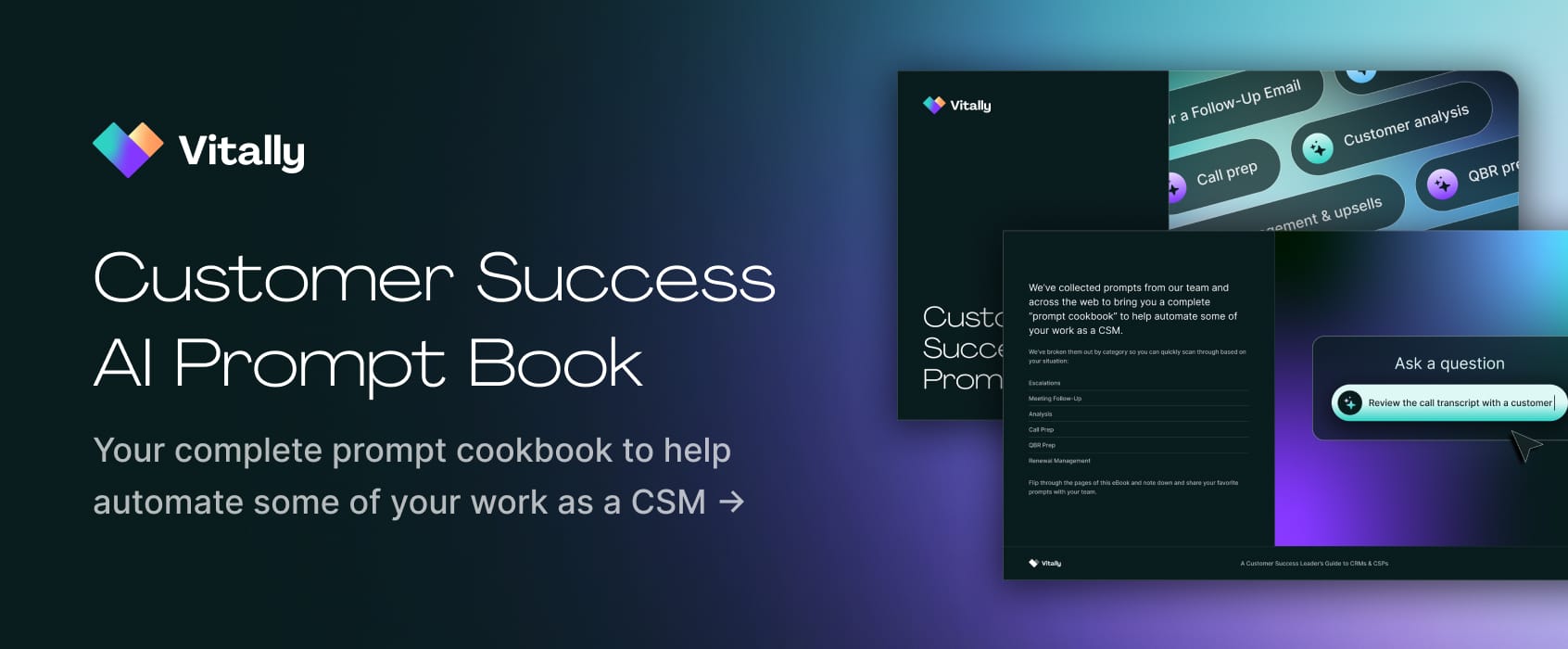
Power Your CS Workflows With the Customer Success AI Prompt Book
With the right blend of AI in human-driven workflows, you can make renewals a breeze while spotting churn risks well in advance.
But AI can be used for so much more than steering accounts to renewals and upsells. You can use AI to assist with QBR prep, handle escalations, and even summarize meetings and generate to-dos and next steps.
We compiled a list of our favorite prompts to automate your CS workflows, from spotting churn risks to meeting follow-up. Save your favorite prompts, create a custom GPT, and see how much time you can save across all of your accounts.
Click the button below to get your free copy.
Table of Contents
Request a Demo

Request a Demo
Request a Demo