Vitally Features
Customer Success Survey Software
Survey your entire customer base and monitor responses with Vitally’s powerful Customer Success Platform.
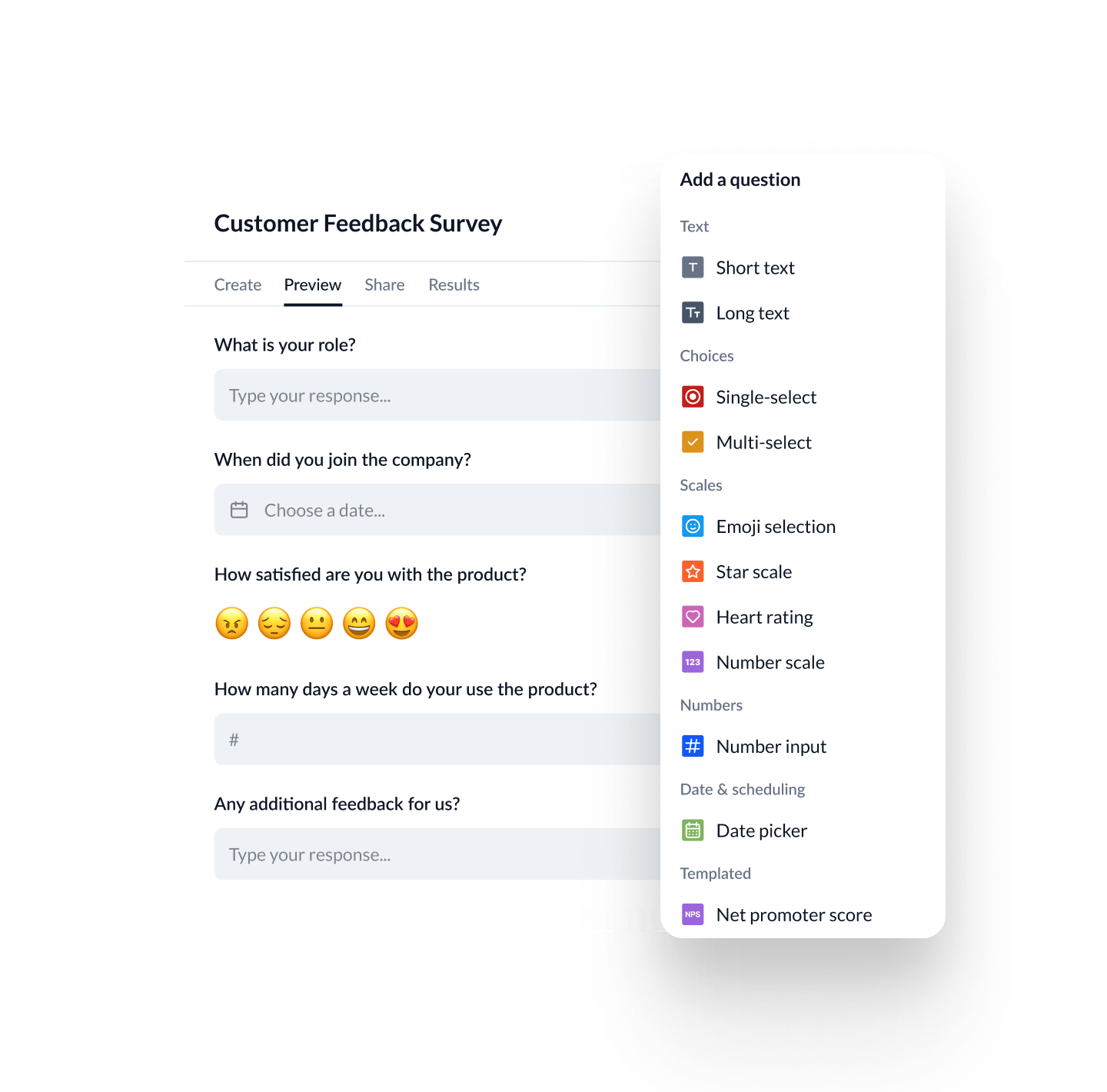


Create & Send Custom Surveys with Ease
Collect structured, meaningful feedback from the right customers at the right time — and act on it instantly across your Customer Success workflows.
Build and launch branded surveys for onboarding, feature feedback, QBR prep, or renewal checkpoints. Fully integrated with your customer data, responses sync directly to accounts and segments — no extra tools needed.
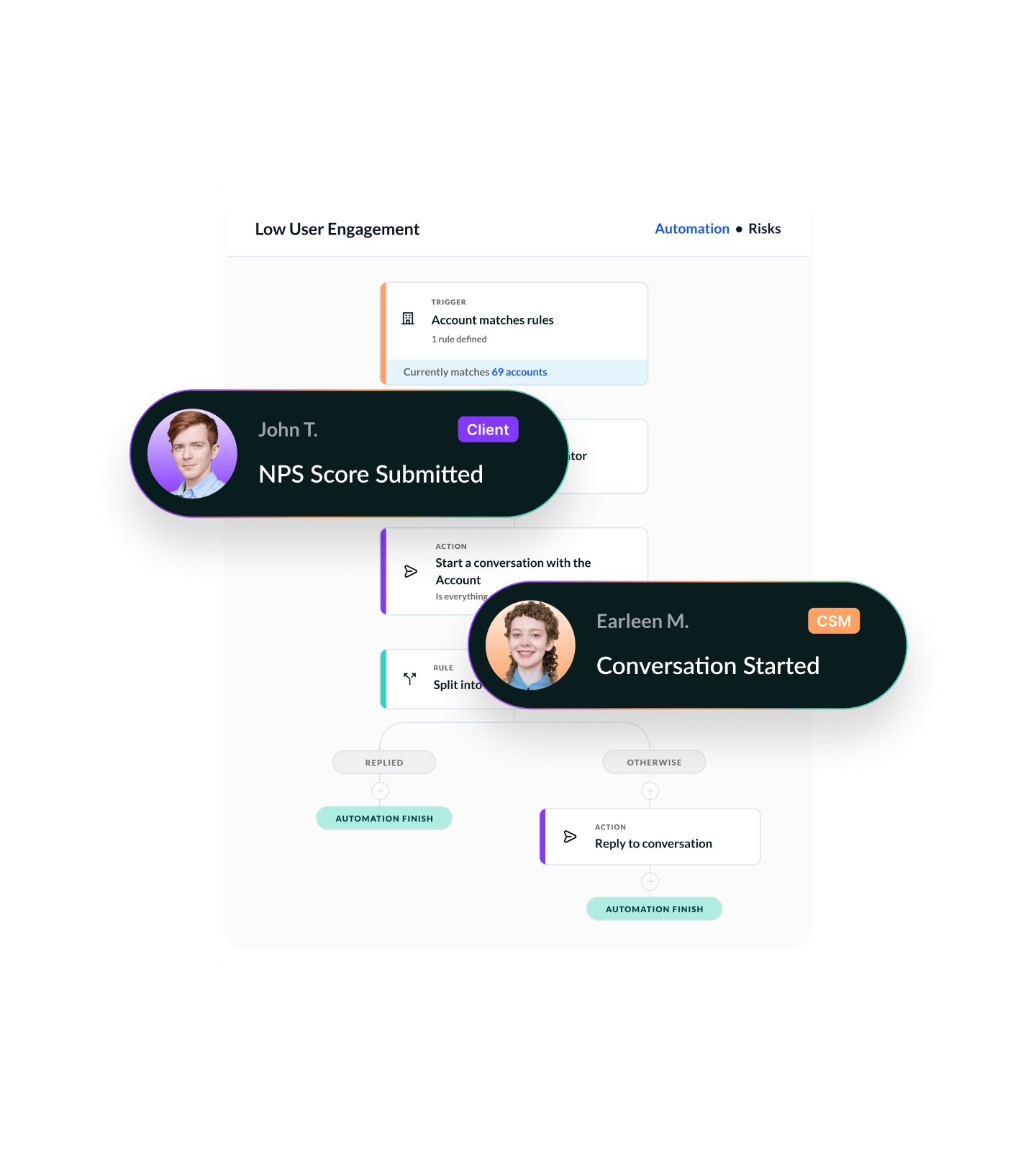
Automatically send surveys based on stage, score, usage patterns, or any custom trait — so feedback always fits the moment.
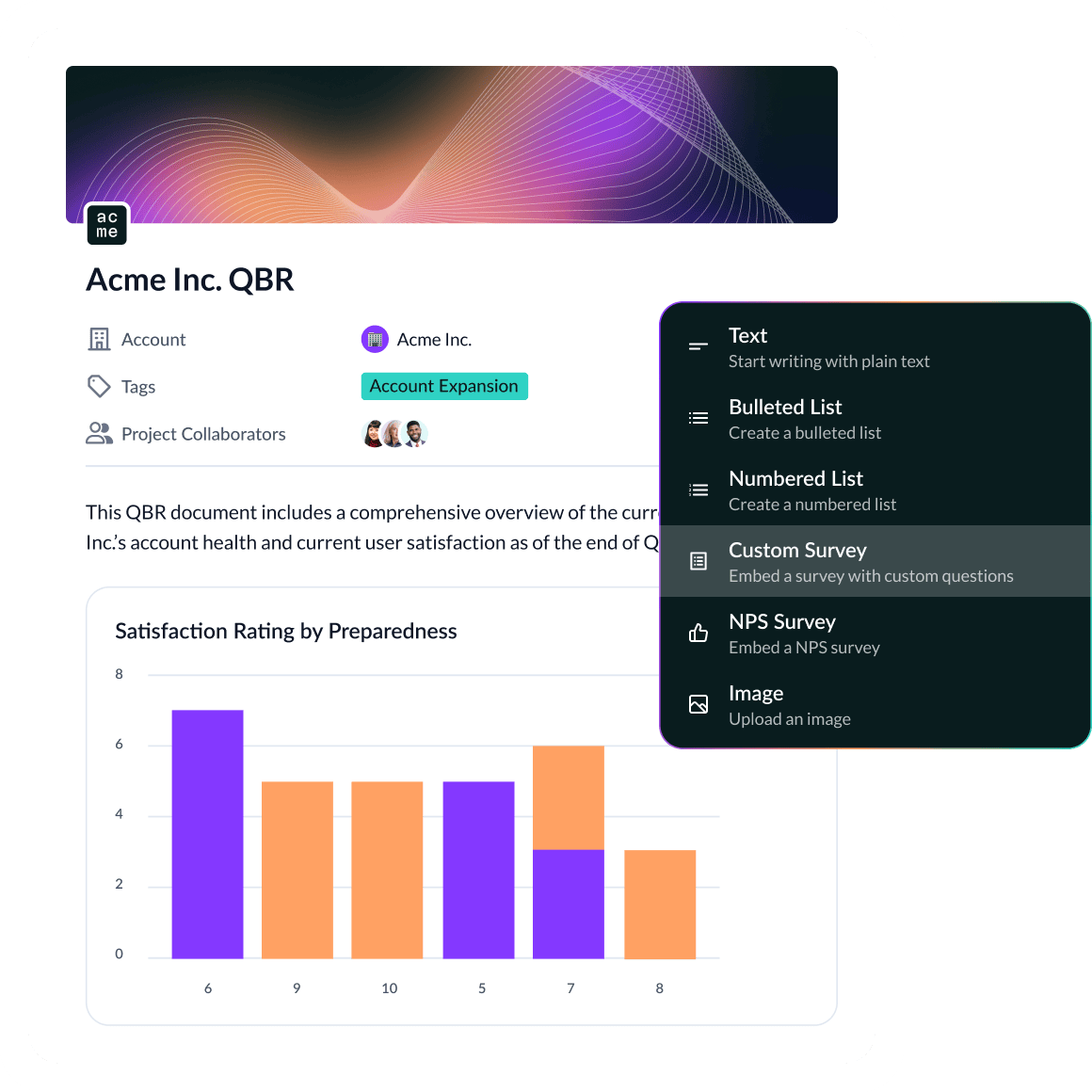
Visualize responses across teams or segments, embed charts in Docs, and route insights to CSMs or Product — all within your CS workspace.
600+ CS Teams Are Scaling With Vitally






“As we went from one to two to six different CSMs working with customers, it was super important to have one place where all touch points would be documented — where we could look back and see a historical record of touch points and account health.”
FAQ
Why should Customer Success teams use custom surveys?
Custom surveys give CS teams a flexible, targeted way to gather structured customer feedback — whether it’s onboarding satisfaction, feature requests, QBR inputs, or renewal blockers. Unlike generic survey tools, Vitally connects responses directly to customer accounts, timelines, and workflows so feedback drives real action, not just reporting.

What types of surveys can I create in Vitally?
You can build NPS-style surveys, multiple choice forms, open-text questions, and mixed-format feedback loops. Common use cases include:
- Onboarding and implementation check-ins
- QBR prep or follow-up
- Product feature feedback
- Renewal readiness assessments
- Churn post-mortems
All surveys can be customized with your branding and tailored by segment, plan, or lifecycle stage.
Can I automate how and when surveys are sent?
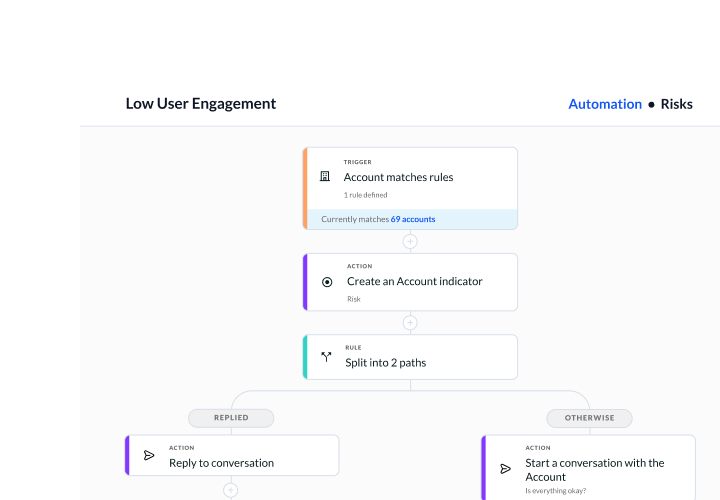
Yes — surveys can be triggered automatically using Vitally Automations or Playbooks. For example:
- Send a “90-day onboarding feedback” survey when an account reaches a certain stage
- Trigger a renewal readiness survey 60 days before contract end
- Launch a feature feedback survey after product usage hits a threshold
Surveys can be sent via email or embedded into other customer workflows.
How are survey responses tracked and reported?
Survey data is tied directly to accounts and contacts, and visible in the Customer 360, Dashboards, and Docs. You can:
- Filter and segment results by stage, CSM, or account traits
- Embed live results in Docs for QBRs or leadership reporting
- Use survey traits to trigger follow-ups or risk alerts
Responses are never siloed — they become part of the complete customer view.
What makes Vitally’s surveys different from other tools?
Vitally surveys are:
- Natively integrated into your CS platform (no third-party tools needed)
- Segment-aware, so you can target surveys precisely
- Workflow-driven, allowing you to automate follow-up based on any response
- Collaborative, with results visible across CS, Product, and leadership
This means you get more than just answers — you get actionable, measurable insights embedded in your customer operations.
Explore the Product
Productivity
Give your team all the tools they need to build and automate how they get work done.
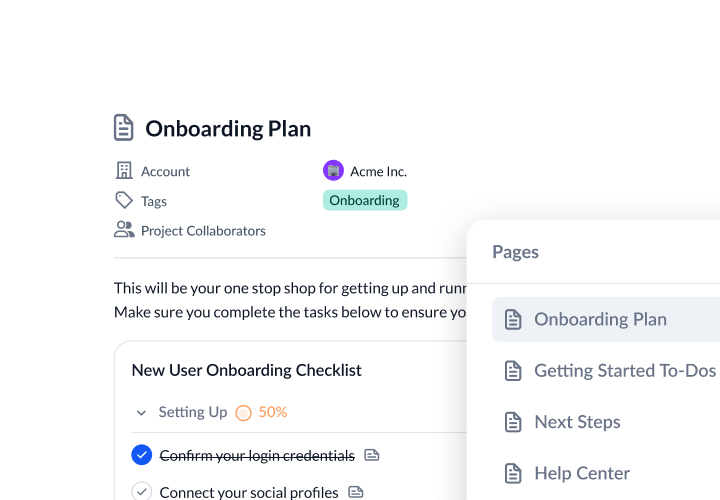
Collaboration
Increase customer transparency to reach new milestones with customers.
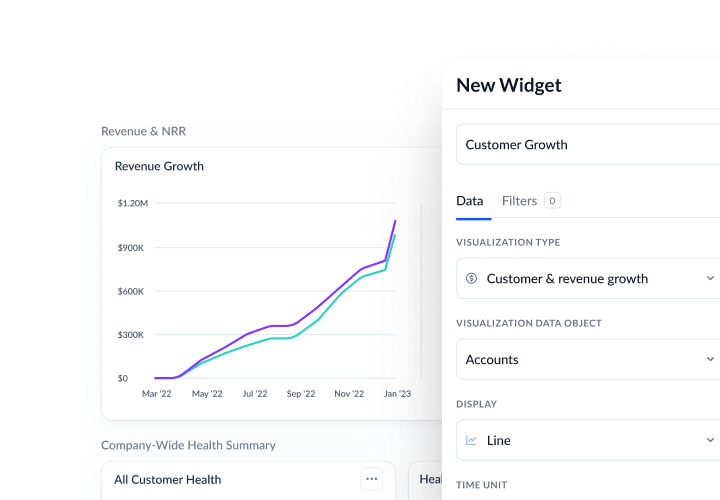
Visibility
Discover actionable insights to drive your book of business, inform strategies, and keep data flowing.
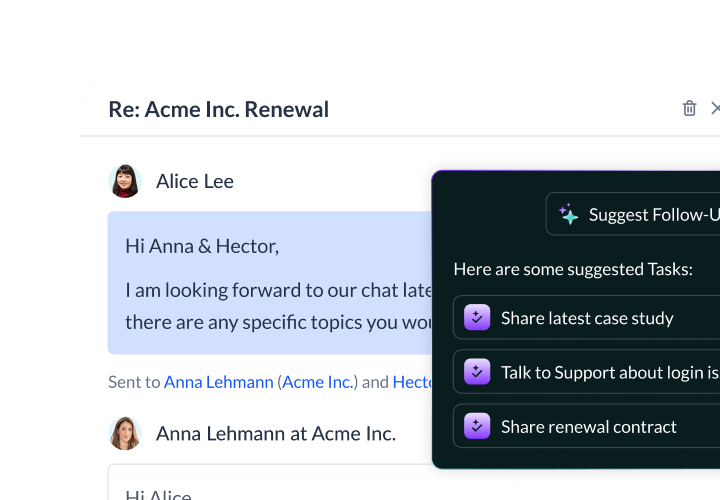
Vitally AI
Purpose-built AI for scaled CS to reduce churn, unlock growth, and stay a step ahead.
See Custom Surveys in Action