Vitally Features
Customer Success Note-Taking Software
AI-powered note-taking to transcribe customer interactions, allowing you to gather key insights and share with your team.
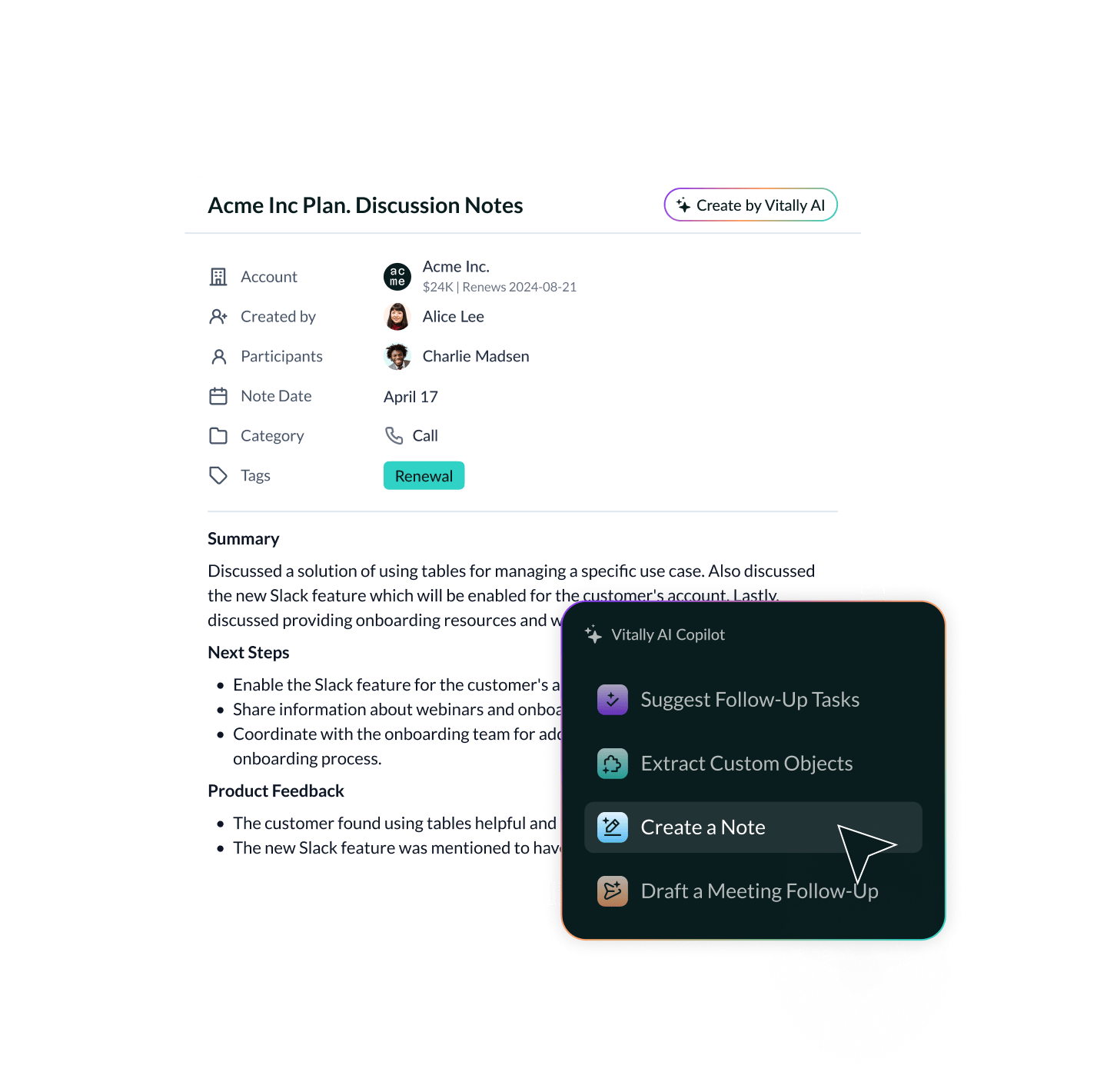
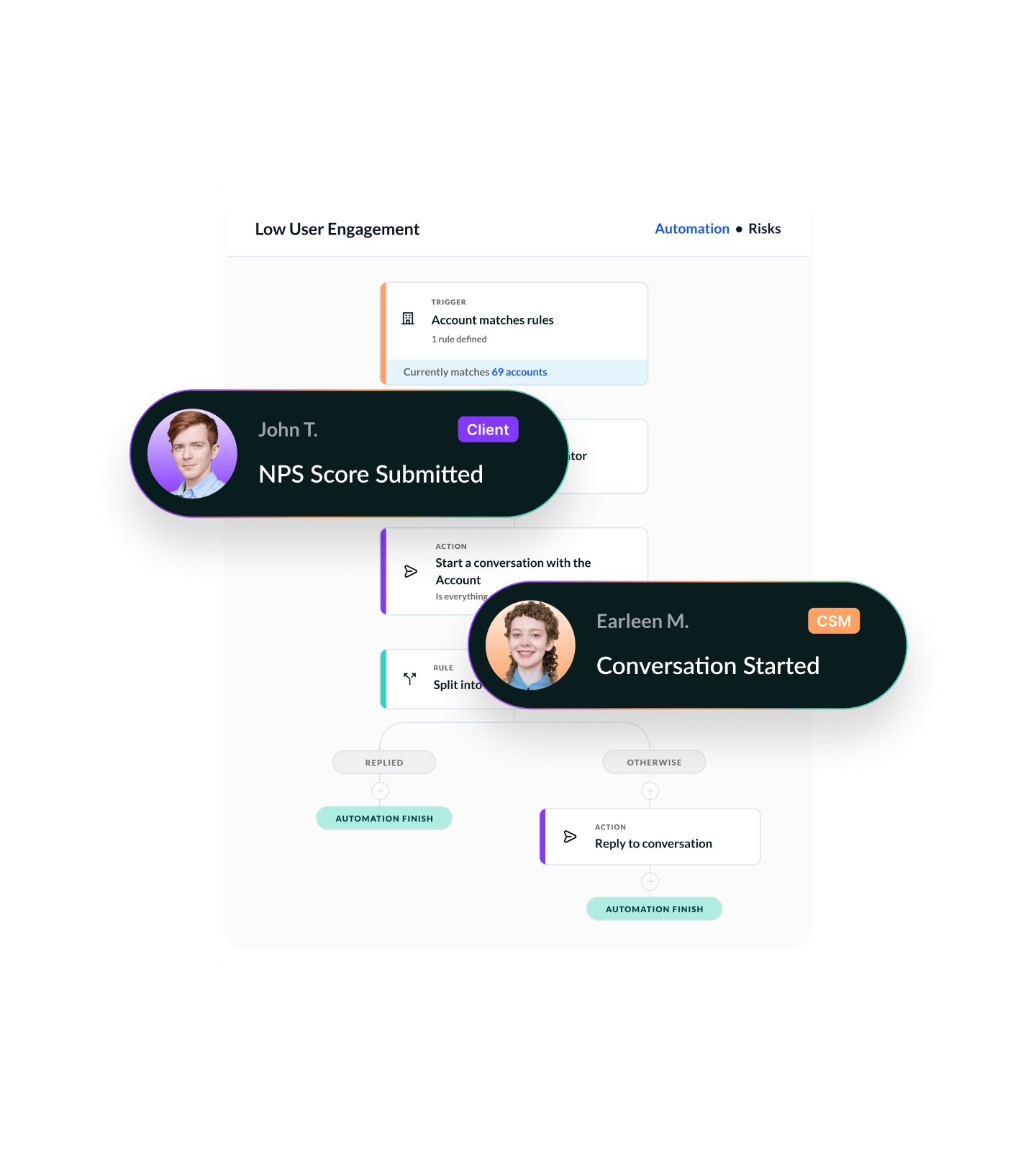
Notes Connected to the Full Context
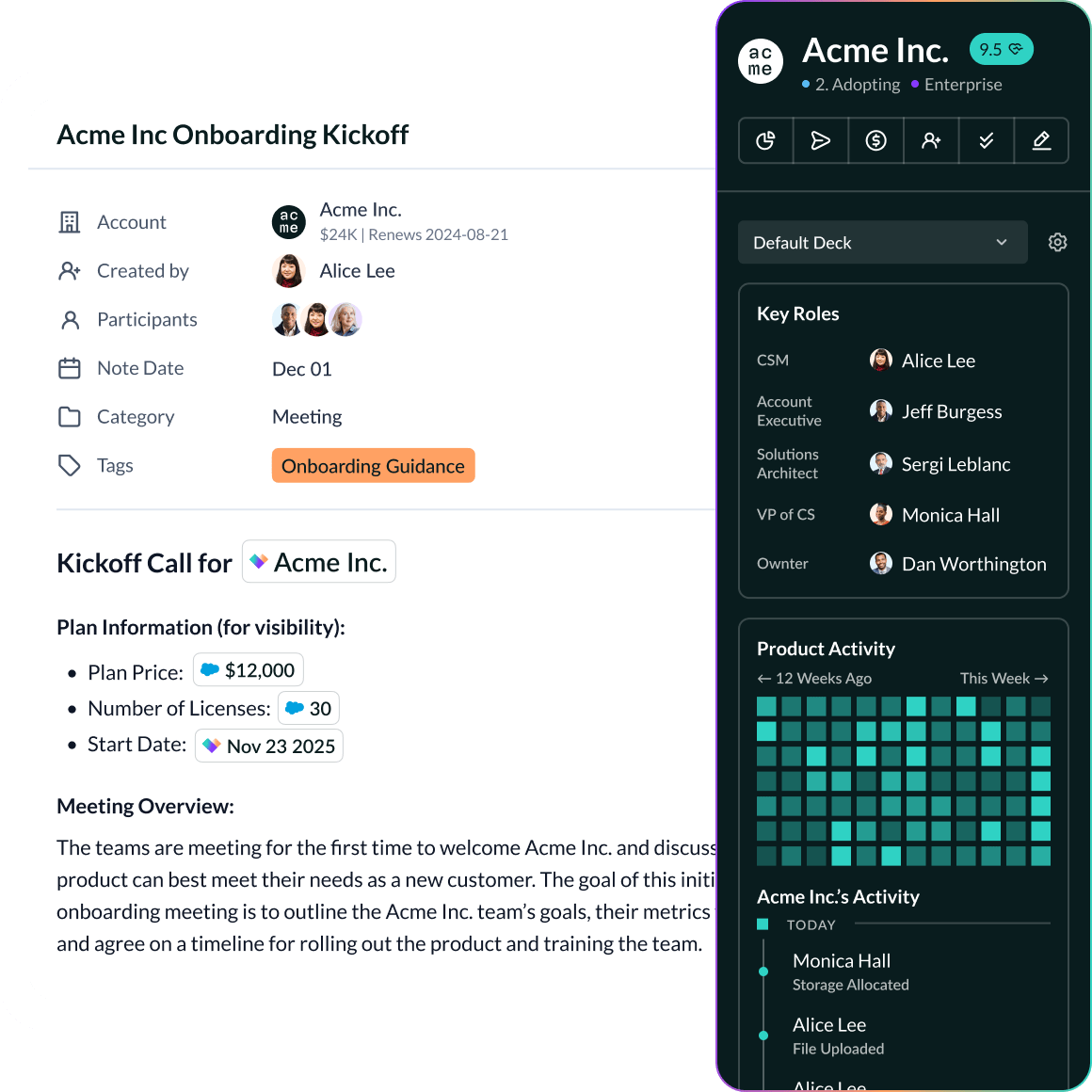
Jot down insights during calls, document internal updates, and sync everything to the customer record. Notes in Vitally live alongside health scores, conversations, docs, and workflows — so nothing gets lost in a silo.
Whether you're in a meeting, on a call, or updating an account, Notes are just one click away — always linked to the right record.
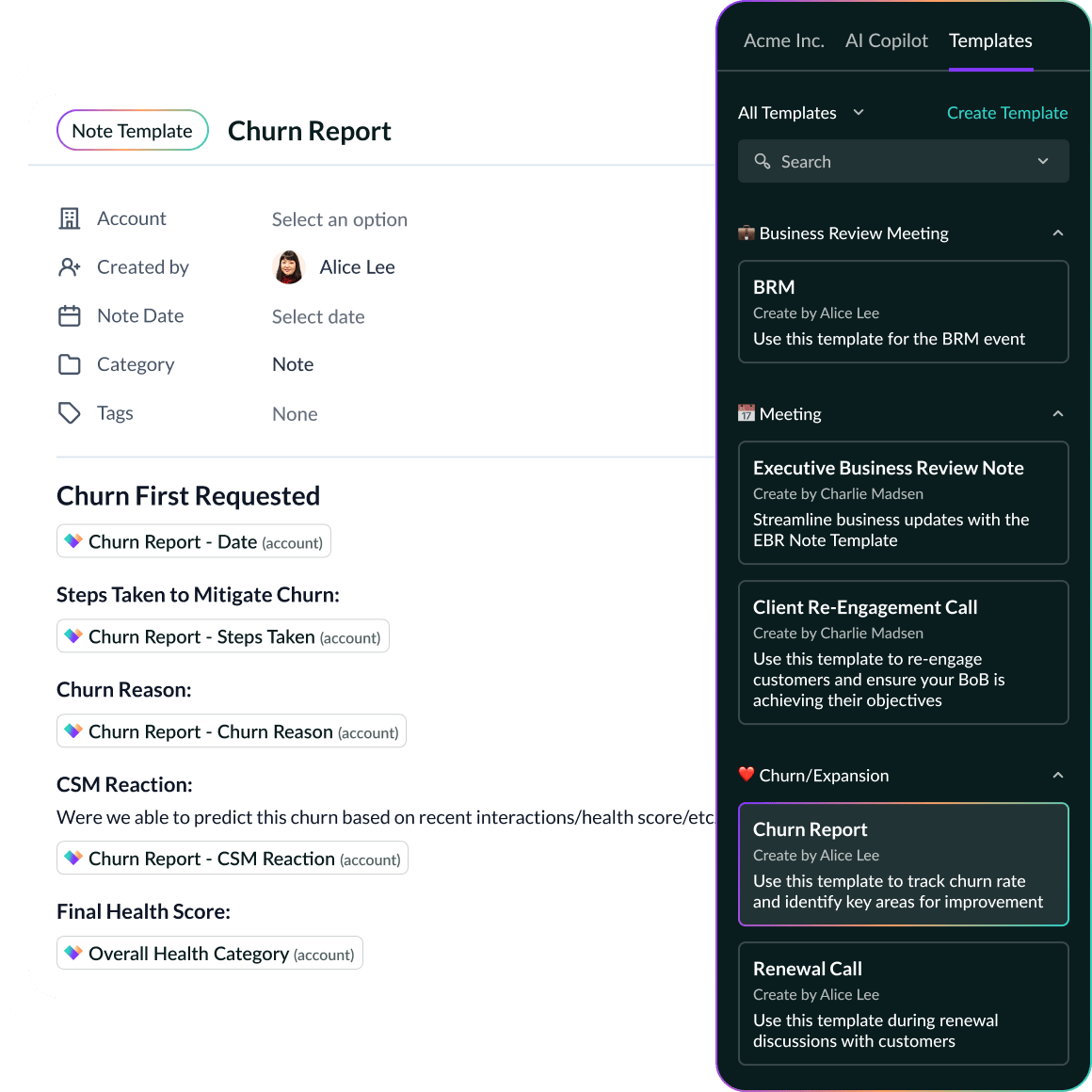
Create templates for different call types, customer segments, or internal processes.
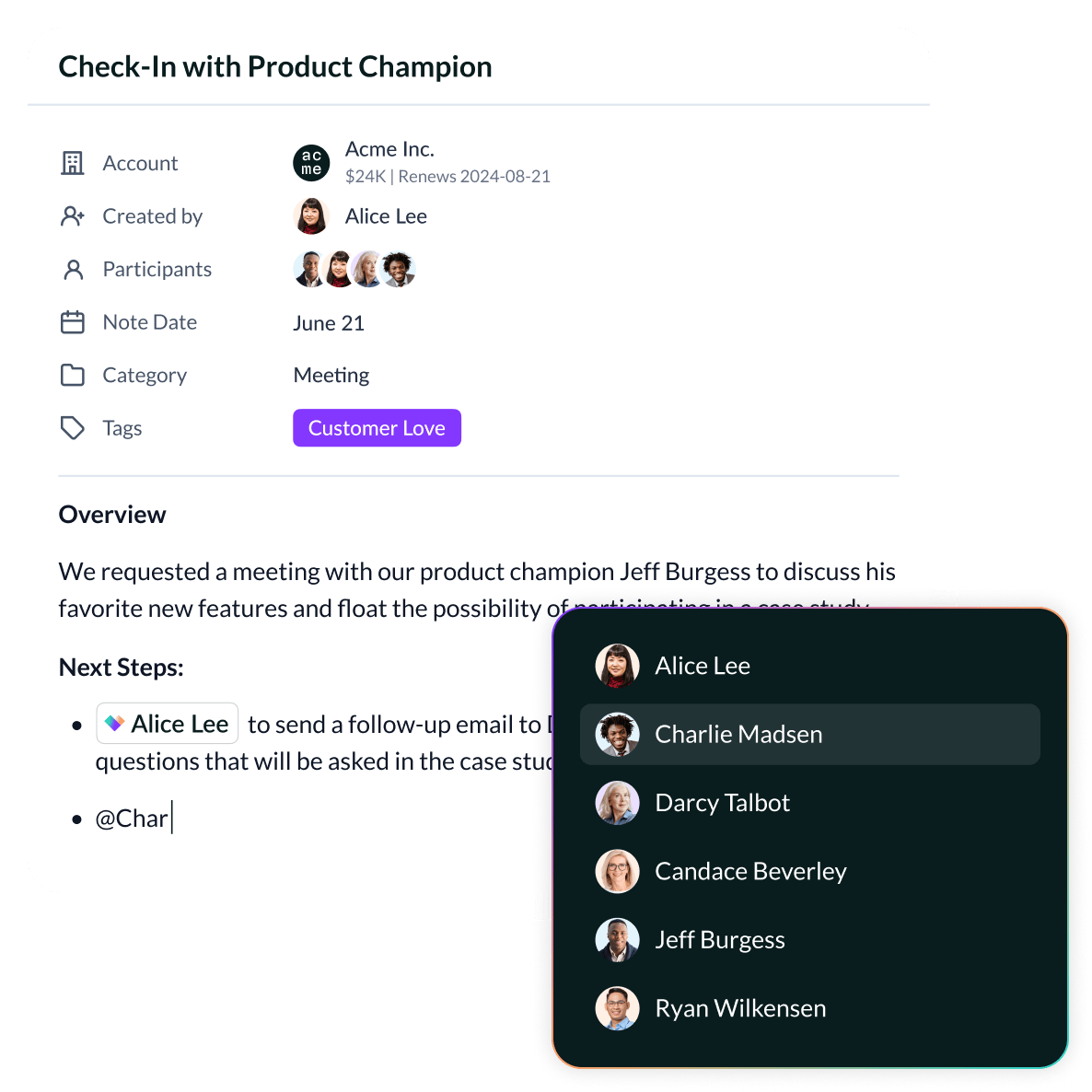
Tag teammates, link accounts, and turn insights into action — like triggering Playbooks or surfacing Notes in Dashboards and Docs.
600+ CS Teams Are Scaling With Vitally






“I absolutely love AI Copilot! I have so many meeting notes and customer emails, it's difficult to remember which conversation a particular topic was brought up in. I asked AI to find a report I'd sent to a customer and it found it immediately, saving me time digging through everything.”
FAQ
Why does Vitally include built-in note-taking?
CS teams live in meetings, syncs, and customer conversations — but traditional CRMs bury notes in clunky fields or disconnected tabs. Vitally brings Notes into the daily workflow so insights are captured instantly and tied directly to outcomes, not lost in Slack or spreadsheets.

How do Notes work in Vitally?
Notes can be:
- Created from any account or organization profile
- Logged during meetings or post-call
- Categorized by type (e.g., QBR, renewal, product feedback)
- Tagged with traits, segments, and teammates
- Synced to Dashboards or included in Docs
Everything stays organized — without needing a separate tool.
Can I control visibility of Notes?
Yes. Notes can be:
- Private (visible only to internal teams)
- Shared (visible in customer-facing Docs or Hubs)
- Mentionable (so teammates get notified directly)
This helps you collaborate without oversharing or duplicating effort.
How are Notes used across Vitally?
Notes aren’t static — they’re embedded throughout the platform:
- Surface them in 360 views to keep account context at your fingertips
- Embed them in Docs to share updates or prep for QBRs
- Include them in Playbooks as step requirements or context
- Filter them in Dashboards to report on conversations by theme or type
Notes are searchable and structured — not just passive text fields.
What makes Vitally Notes better than CRM notes or docs?
Traditional CRMs treat notes as afterthoughts. Vitally Notes are:
- Embedded in your daily CS workflow
- Linked to timelines, traits, and touchpoints
- Easier to organize, find, and act on
- Built for collaboration — internally and externally
It’s not just about writing things down — it’s about making your notes useful.
Explore the Product
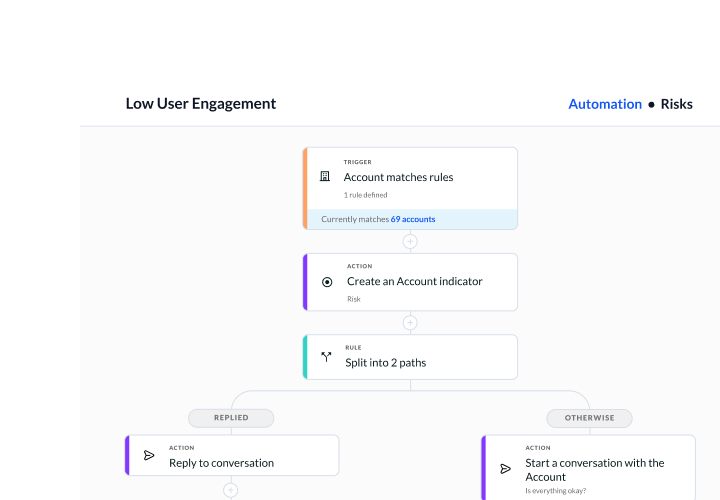
Productivity
Give your team all the tools they need to build and automate how they get work done.
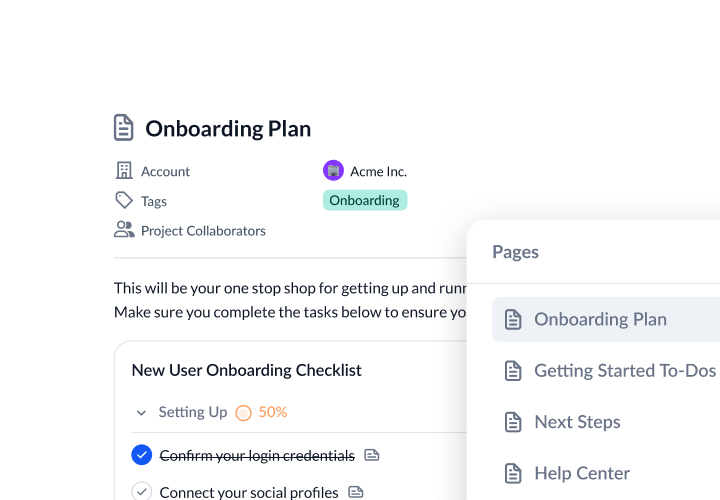
Collaboration
Increase customer transparency to reach new milestones with customers.
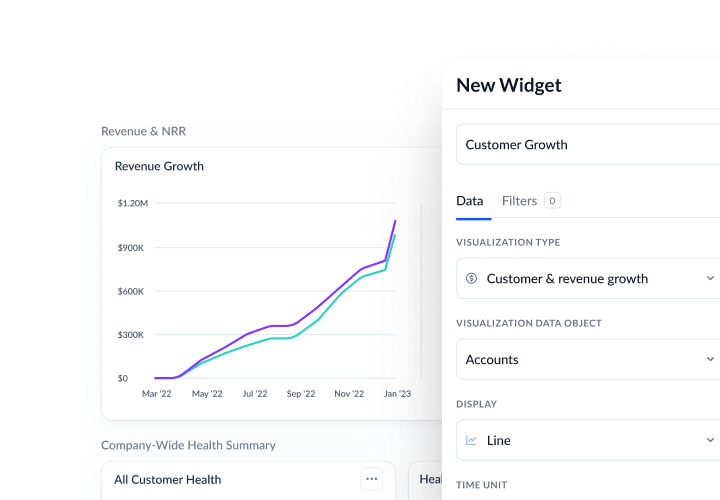
Visibility
Discover actionable insights to drive your book of business, inform strategies, and keep data flowing.
Vitally AI
Purpose-built AI for scaled CS to reduce churn, unlock growth, and stay a step ahead.
Experience AI-Powered Note-Taking