Vitally Features
Customer Success Automation Software
Automate tasks and time-consuming processes with Vitally’s powerful Customer Success Platform.

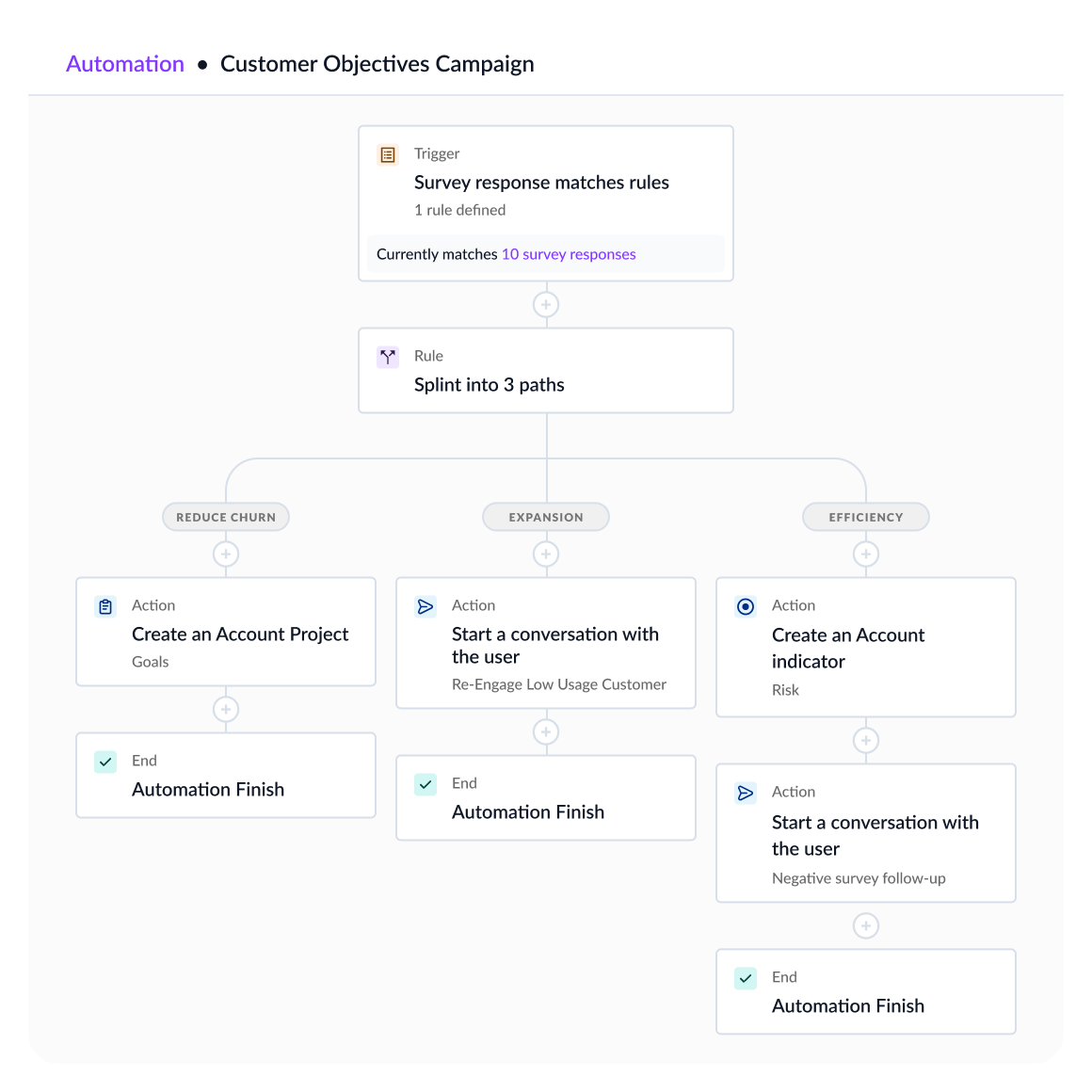
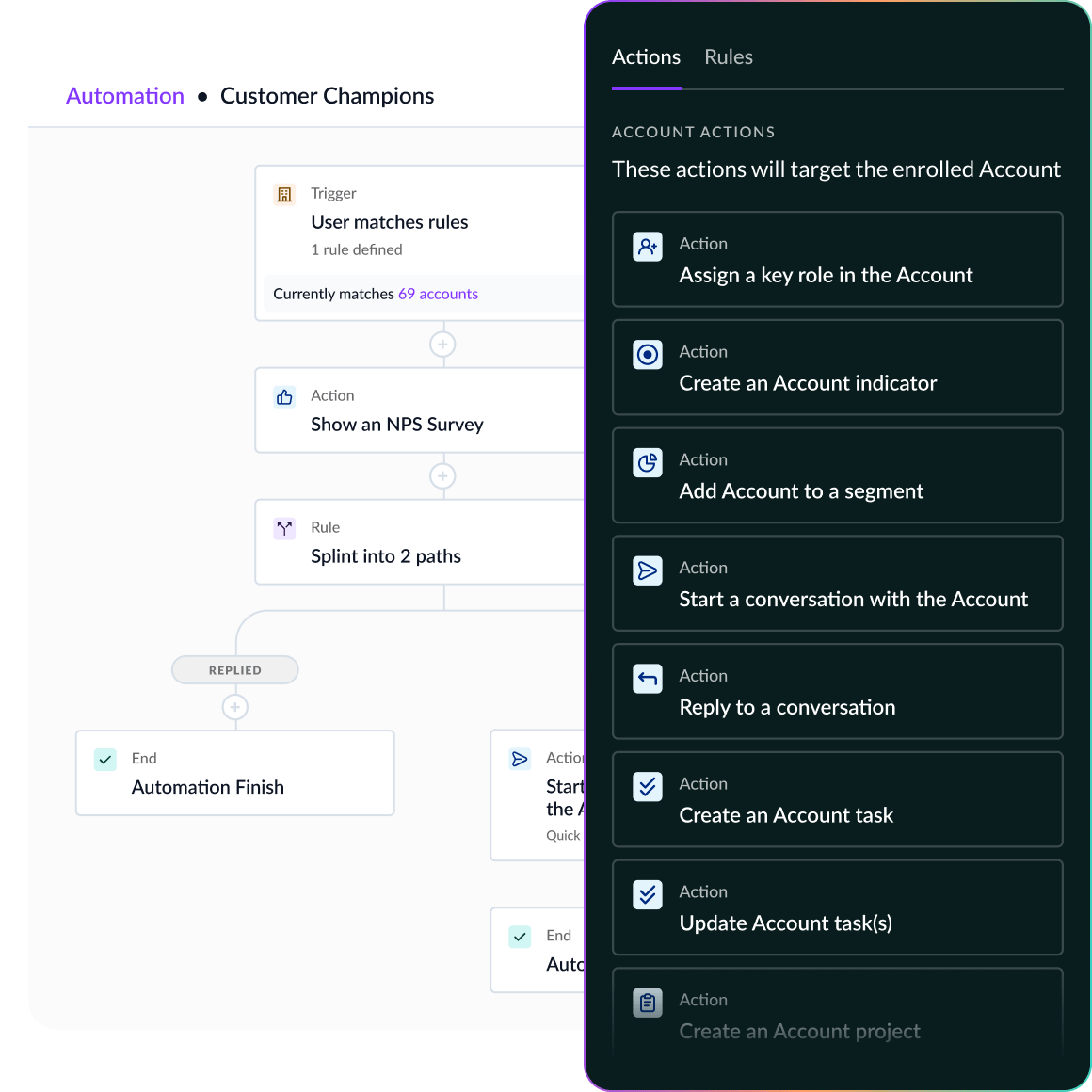
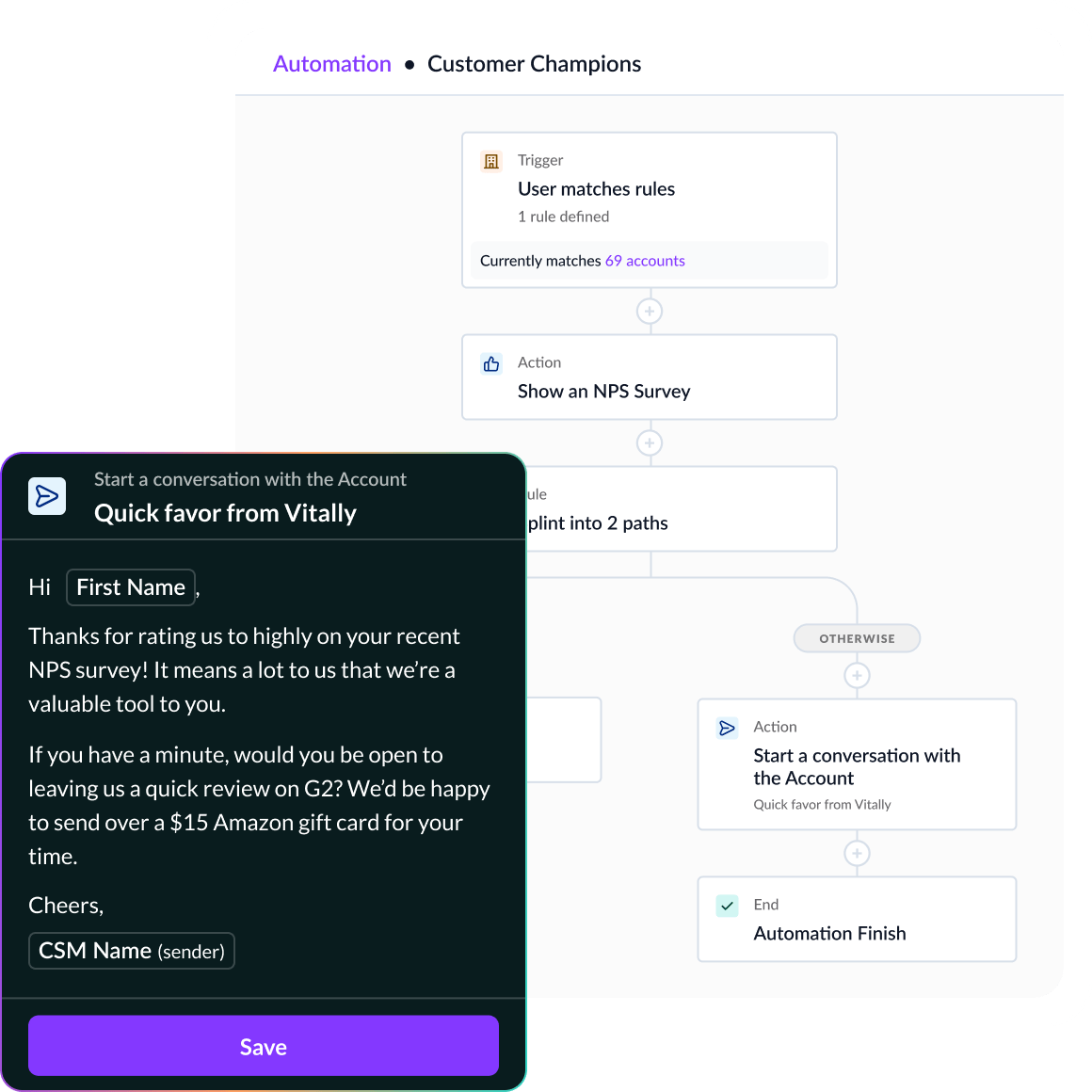
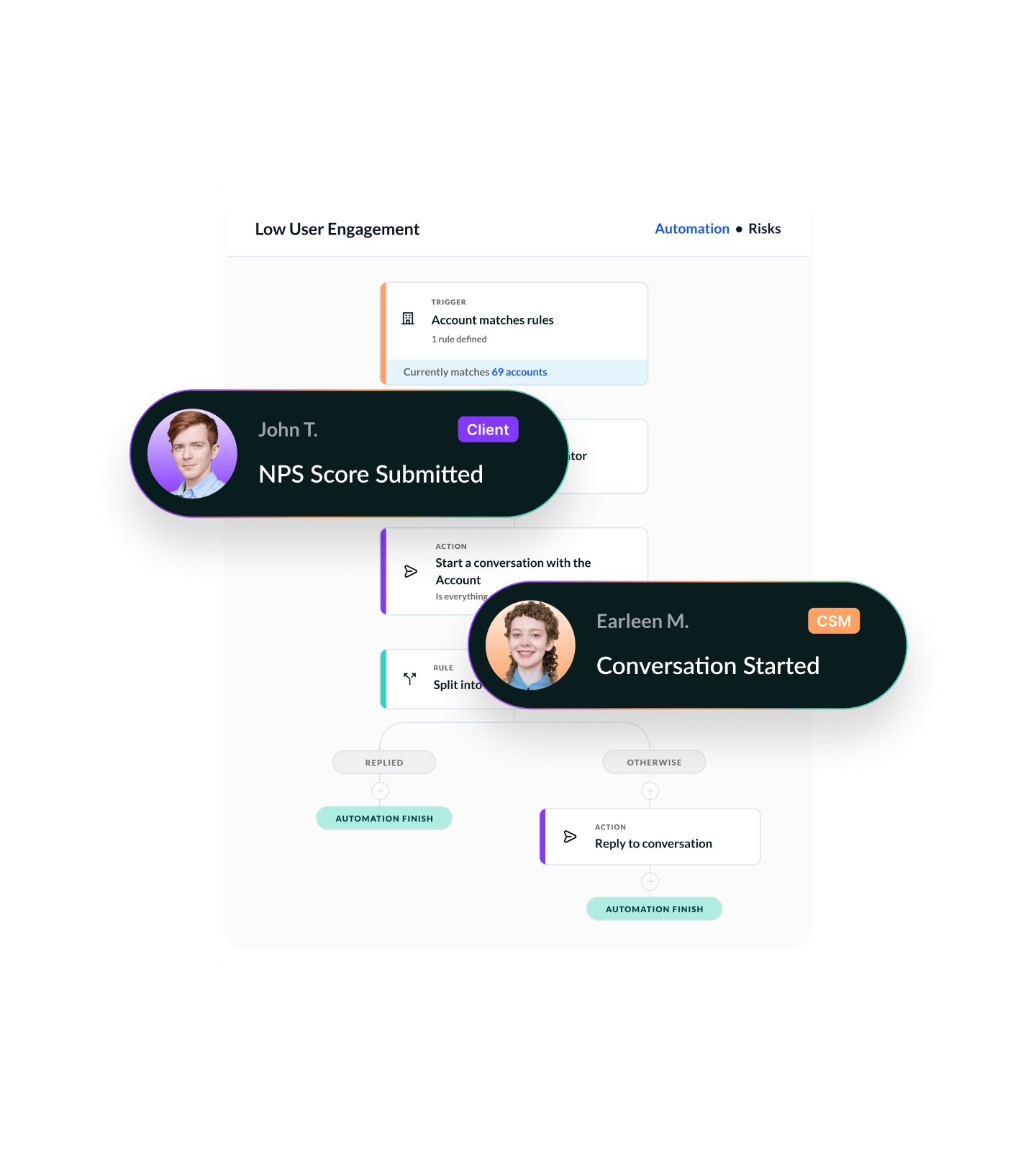
Operationalize Your CS Strategy with Playbooks
Create structured, repeatable workflows for your team — triggered by the customer data you trust.
From onboarding to renewals to risk response, Vitally Playbooks help your team execute the right action at the right time — automatically. Predefine the steps, assign tasks, and let your data drive the motion.
Launch Playbooks automatically from health score changes, product usage shifts, survey responses, or traits — no manual monitoring needed.
Standardize high-impact plays like onboarding, QBR prep, renewal engagement, or expansion handoffs — complete with tasks, templates, and timelines.
600+ CS Teams Are Scaling With Vitally






“This end-to-end automation for customer messaging is significant for us because now it saves our CSMs time and allows them to spend more time on identifying risk proactively.”
FAQ
Why are Playbook Automations important for Customer Success teams?
Playbooks help CS teams scale their expertise. Instead of reinventing the wheel for each account, Playbooks provide a structured, repeatable way to run key motions — like onboarding, renewals, QBRs, or expansion. They ensure consistency, save time, and improve the customer experience across your entire team.

How do Playbook Automations work in Vitally?
Playbooks in Vitally are workflow templates made up of steps (Tasks, Notes, Docs, etc.). They can be:
- Triggered automatically based on data changes (e.g., health score drop, segment entry)
- Manually launched by a CSM at any time
Once active, the Playbook guides team members through each step, tracks progress, and ties everything back to the customer record.
What can trigger a Playbook Automation in Vitally?
Playbooks can be launched from:
- Health score changes (e.g., from Healthy to Concerning)
- Trait changes (e.g., Stage = Renewal)
- NPS responses
- Account or Org entering a segment
- Manual triggers from a CSM or team member
This flexibility allows you to automate follow-up across any CS motion — risk, advocacy, expansion, and more.
Can I customize Playbook Automations for different segments or teams?
Yes. You can create multiple Playbooks tailored to:
- Lifecycle stages (onboarding vs. renewal)
- Customer tiers (SMB vs. enterprise)
- Product plans or CSM workflows
- Geographic teams or verticals
Each Playbook can include specific task owners, timelines, content, and triggers. This makes it easy to scale your strategy while staying personalized.
How do I measure Playbook Automation effectiveness?
Vitally tracks Playbook usage, completion rates, and step-level progress. You can:
- Report on how often Playbooks are used
- See which steps are completed or delayed
- Correlate Playbook usage with outcomes (retention, expansion, NPS)
- Embed Playbook status in Dashboards or Docs for full visibility
This lets you improve workflows over time and prove their impact on customer success.
Explore the Product
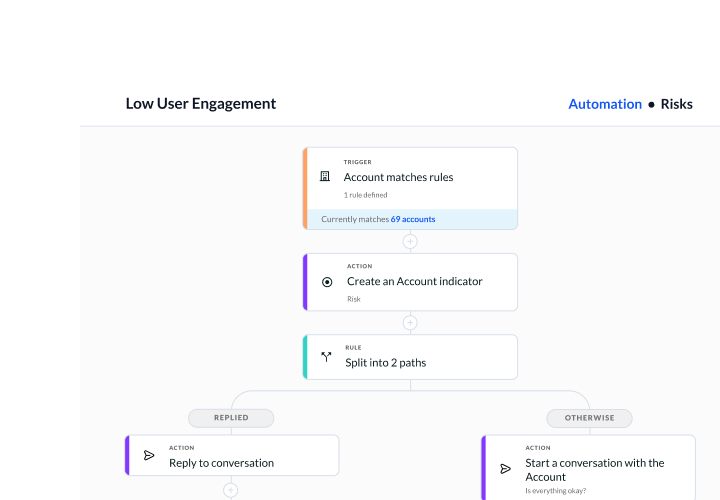
Productivity
Give your team all the tools they need to build and automate how they get work done.
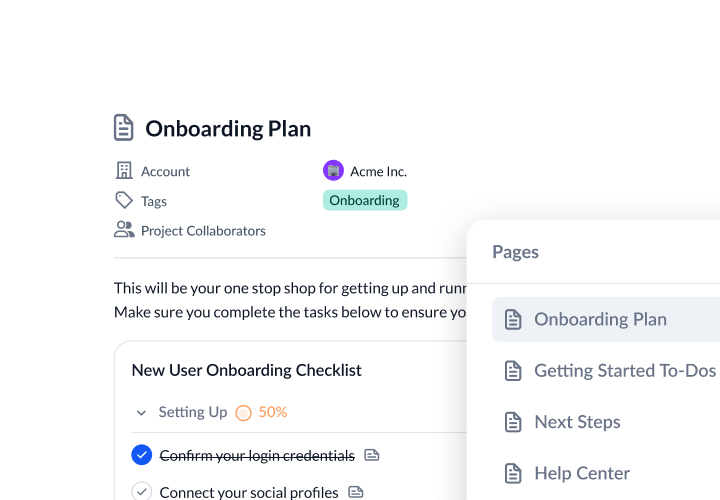
Collaboration
Increase customer transparency to reach new milestones with customers.
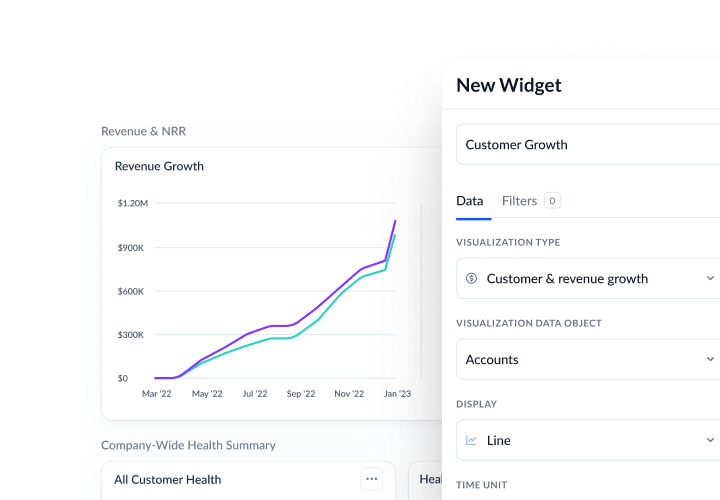
Visibility
Discover actionable insights to drive your book of business, inform strategies, and keep data flowing.
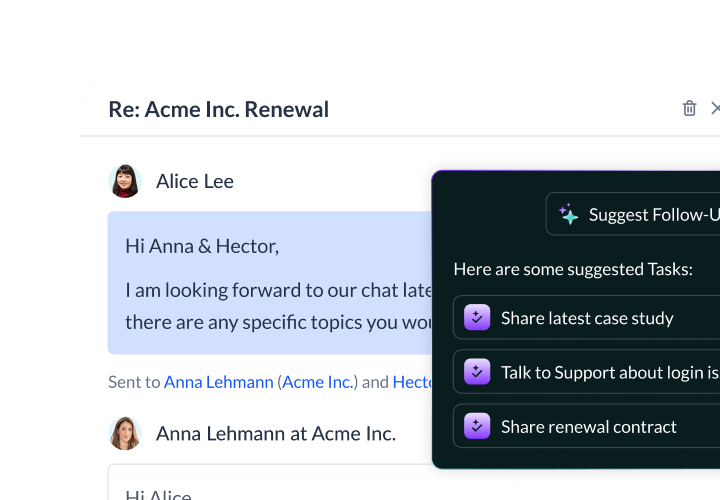
Vitally AI
Purpose-built AI for scaled CS to reduce churn, unlock growth, and stay a step ahead.
Start Automating Your CS Process