Say Hello to Quin
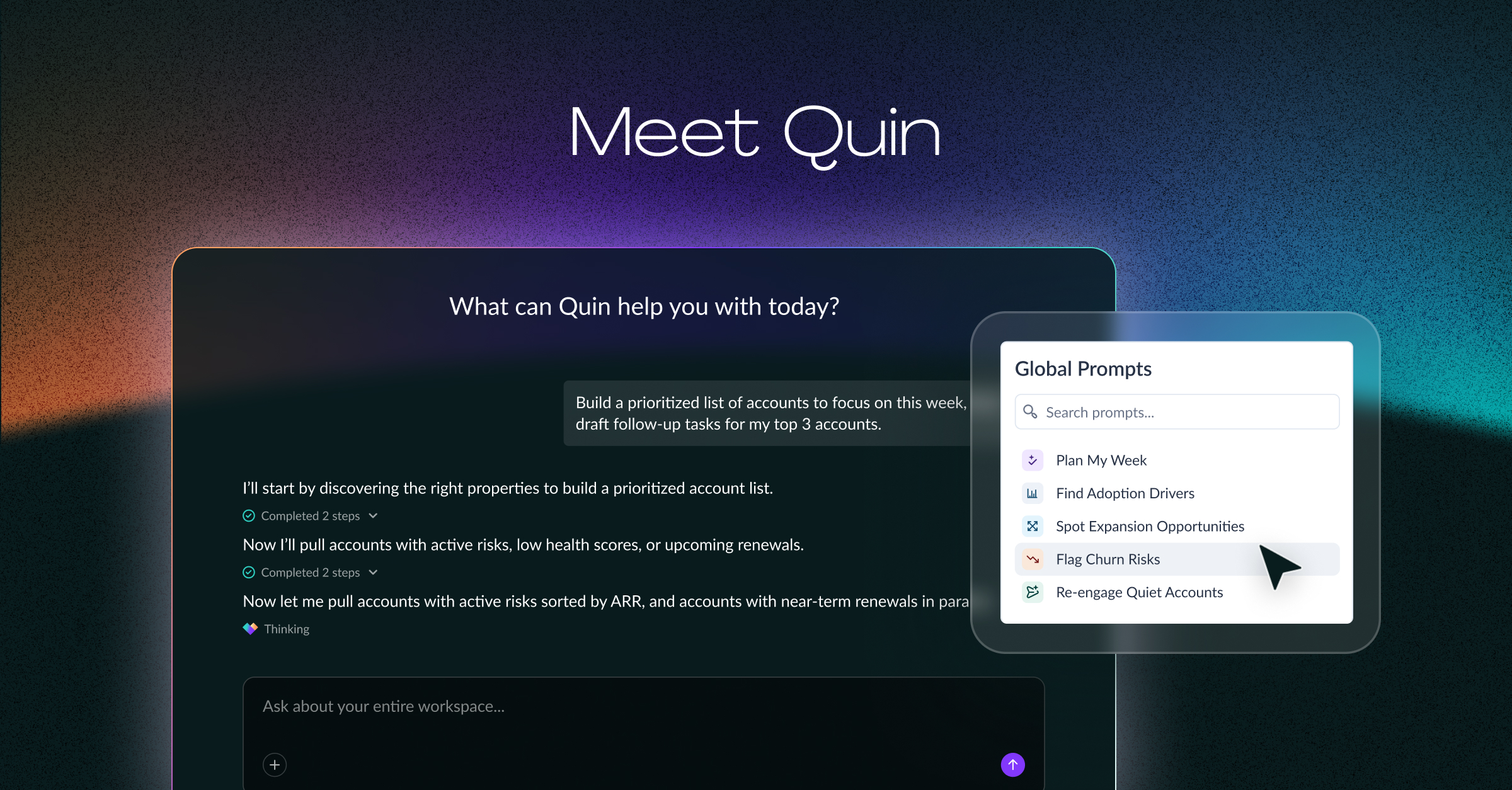
Today, we're excited to introduce our customers to Quin, Vitally's AI assistant for understanding and acting across your customer base.
Quin works across the customer context already inside Vitally, helping you answer questions across your book of business, uncover what needs attention, and turn insight into action — without building another report, digging through accounts one by one, or rebuilding the customer story somewhere else.
Know what matters to every customer, and get more done about it.
Your Customer Context Shouldn’t Require Assembly
Your customer context lives everywhere: accounts, meetings, product usage, tasks, calls, and emails. Answering a simple question across all of it — Who's going quiet? Which renewals are at risk? — usually means building a report, pulling a dashboard, or clicking through accounts one by one.
That manual work eats up precious hours that would be better spent being present with customers, and developing strategies that build towards real customer outcomes. And when you're racing from call to call, risks, opportunities, and follow-ups can often slip through the cracks.
General-purpose AI tools can help, but only after you've fed them the backstory on your business and your customers, and every prompt starts again from scratch. This is where Quin is different.
Why Quin is Different
General-purpose AI can be incredibly powerful — especially when you connect it to your customer data. But Quin starts somewhere different: inside the platform where your customer context and Customer Success work already live.
That gives it richer customer history, workflows, and relationships to work with than any general-purpose AI tool has by default.
That means:
- Native customer context: Quin starts with the accounts, conversations, meetings, notes, and workflows already in Vitally.
- CS-native: Built around the questions and workflows CS teams actually use, from renewal reviews to health monitoring and QBR prep.
- Portfolio-wide: Understand patterns and priorities across your book, not just one account at a time.
- Insight to action: Turn what you uncover into follow-up, tasks, risk indicators, and more — without leaving Vitally.
Quin is the next evolution of the Vitally AI you already know. Our account-level AI tools brought insights and action to individual customers, and our MCP server brought your Vitally data into tools like Claude and ChatGPT. Quin takes it to the next level: book-of-business level intelligence and action, natively inside Vitally.
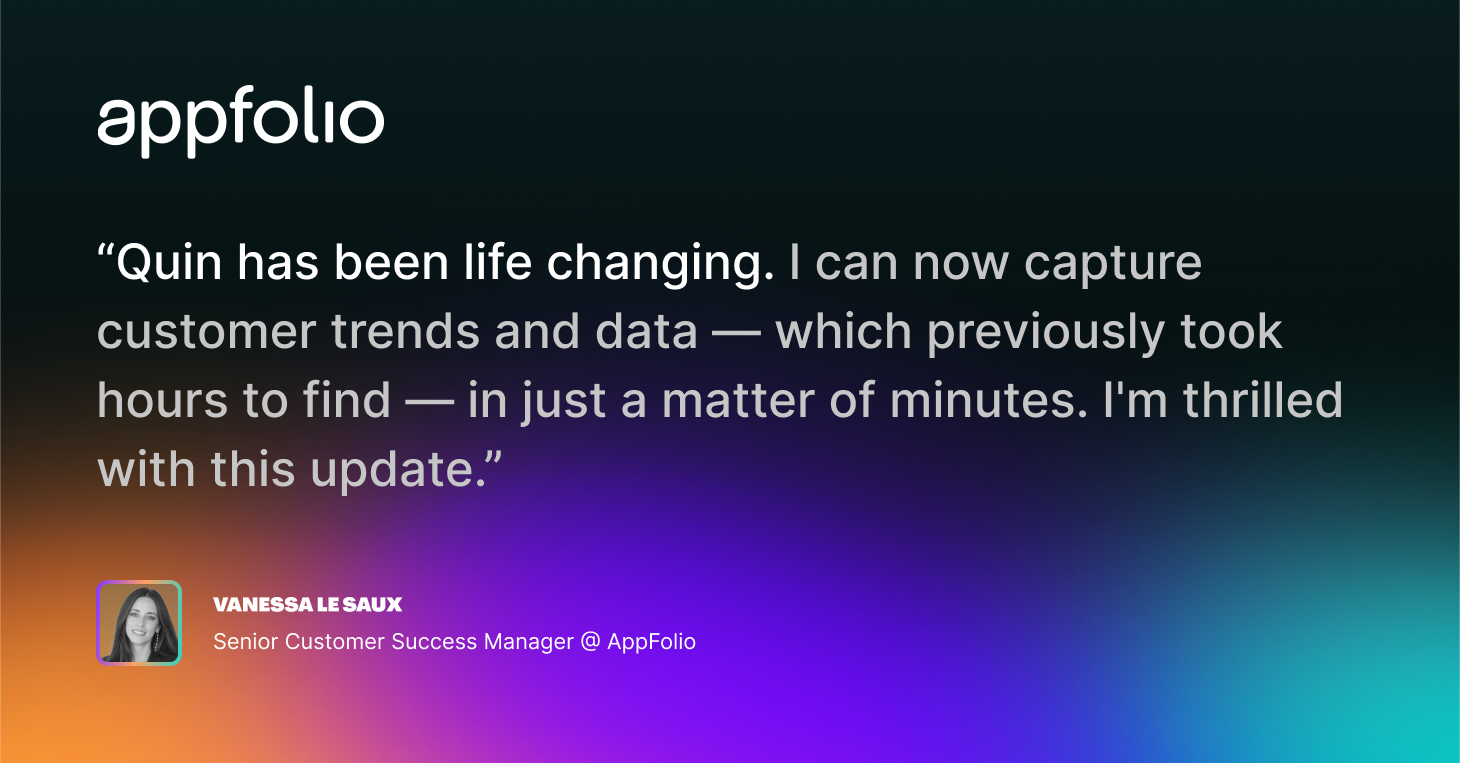
Vitally customers are already seeing results in improved outcomes and productivity from Vitally AI: At Triptease, CSMs report saving 2+ hours per week with Vitally AI workflows, and 97% of AI-generated outputs are used as-is, with no editing required.
What You Can Do With Quin
Quin takes you from question to answer to action, without any of the manual legwork in between. Here's what that looks like in practice:
See What Matters Sooner
Surface risks, opportunities, adoption changes, and patterns across your book of business before they get missed.
Ask Quin anything about your customers in plain language and get an answer in seconds. No reports to build, no filters to set, and no account-by-account digging that takes hours. Use it to decide which accounts to prioritize this week, spot risk across your customer base, or track trends in product adoption.
For example, ask Quin: “Review all conversations and meetings with my owned accounts from the last 30 days. Identify any escalation risks you see, and suggest next steps. Include the specific stakeholder to reach out to, if you can.”
Get More Done (Without Adding More Work)
Spend less time preparing, following up, reporting, and managing your book of business. Let Quin do the busy work for you, so you can focus on building strong customer relationships and driving actual value.
Instead of writing emails and creating tasks for each customer individually, you can act across several accounts with a single prompt. Draft follow-ups from every meeting on your calendar today, generate a task list from those conversations, or file risk reports for your at-risk renewals.
For example, ask Quin: “Write drafts for follow-up emails from all my meetings today. Keep them aligned with the topics and next steps discussed. Then, create tasks assigned to me for any immediate follow-up items I need to take care of from those calls.”
Better Decisions, Backed by Customer Context
Make better decisions with complete customer context — not just piecing together disparate data points. Act with confidence, because Quin's answers are grounded in the rich customer history already in Vitally.
Ask Quin to dive deep into your customers’ history with your business — their wins, misses, past strategies, and actual product usage data — and use this data to inform how you guide them towards the outcomes they want to achieve.
For example, ask Quin to do your Quarterly Business Review prep for you: “Summarize the top wins, risks, and product usage highlights for this customer ahead of our QBR. Use their latest health score, usage trends, and conversation/meeting history. Format as a bulleted prep doc for internal review.”
Built for Every Role on Your CS Team
Whether you're managing a portfolio of accounts or leading the team that does, Quin meets you where you work. Here's how it helps the people closest to your customers and the people responsible for the results.
For CSMs
If you manage a book of business day to day, Quin gives you time back and makes a scaled book feel manageable. Ask things like:
- "Which of my accounts have had a health drop in the last 7 days and no activity logged?"
- "I have a QBR with Acme Corp tomorrow — what should I know about their usage, open tasks, and recent sentiment?"
- "What follow-ups am I missing from last week's customer meetings?"
- "Show me all accounts with no activity in the past 30 days that are up for renewal in Q2. Draft a Risk record for each that includes next steps to drive re-engagement."
For scaled CSMs, Account Managers, and onboarding teams, Quin brings critical insights to the forefront, so you can manage a large portfolio with ease.
Find the SMB accounts that have gone dark, renewals with low adoption, or onboarding projects past their go-live date.
For CS Leaders
Get a real-time view of what's happening across your team's entire book of business. Quin helps with team visibility, operational efficiency, and forecast confidence:
- "Which CSMs have the most accounts with declining health scores and no recent activity?"
- "Which segments have seen the biggest health score changes in the last 30 days?"
- "Which customers have a renewal this quarter?"
Say goodbye to digging around in dashboards and exporting data, and say hello to instant business, NRR, and adoption trend insights with a single Quin session.
Get Started With Quin
Already a Vitally Customer?
For Vitally customers, Quin is now included in your plan while in Beta, so you can get started today.
Here's how to hit the ground running:
- Start with a default prompt. Quin comes with a set of ready-made prompts built by our own CS experts, so you can see results on day one.
- Check out the docs. Our Help Center articles walk you through how Quin works and answer any questions you might have.
- Join the conversation in Vitally Central. Sign up for our customer-exclusive Community where you can trade prompts and tips with other Vitally users, take courses to become a Vitally expert, and tune into weekly Office Hours and webinars with the Vitally team.
New to Vitally?
See how Quin can help your team know what matters across every customer and get more done about it. Take an interactive tour to see Quin in action, or book a demo with our team to dive even deeper.
Table of Contents
Request a Demo

Request a Demo
Request a Demo