
We’re excited to announce the launch of the official Vitally MCP Server — a new way to put your Vitally customer data to work inside the AI tools you already use, like Claude, ChatGPT, Gemini, and more.
Your customer data lives in Vitally, but a lot of your day doesn't. You're drafting in one tool, researching in another, and running your own AI prompts somewhere else. Every time you need context on an account, you stop what you're doing, switch to Vitally, find the answer, and switch back.
The Vitally MCP Server closes that gap. MCP (Model Context Protocol) is an open standard for connecting AI tools to external data and actions. Once you connect, you can ask your AI tool of choice questions about your customers in plain language, and it queries Vitally for you — pulling health scores, renewal timelines, meeting notes, and more, right where you're already working.
It also works in both directions. Beyond looking things up, you can prompt Claude or ChatGPT to create Notes, Tasks, and Custom Objects directly in Vitally, so the work you do in your AI tool lands back in your workspace, without any manual work.
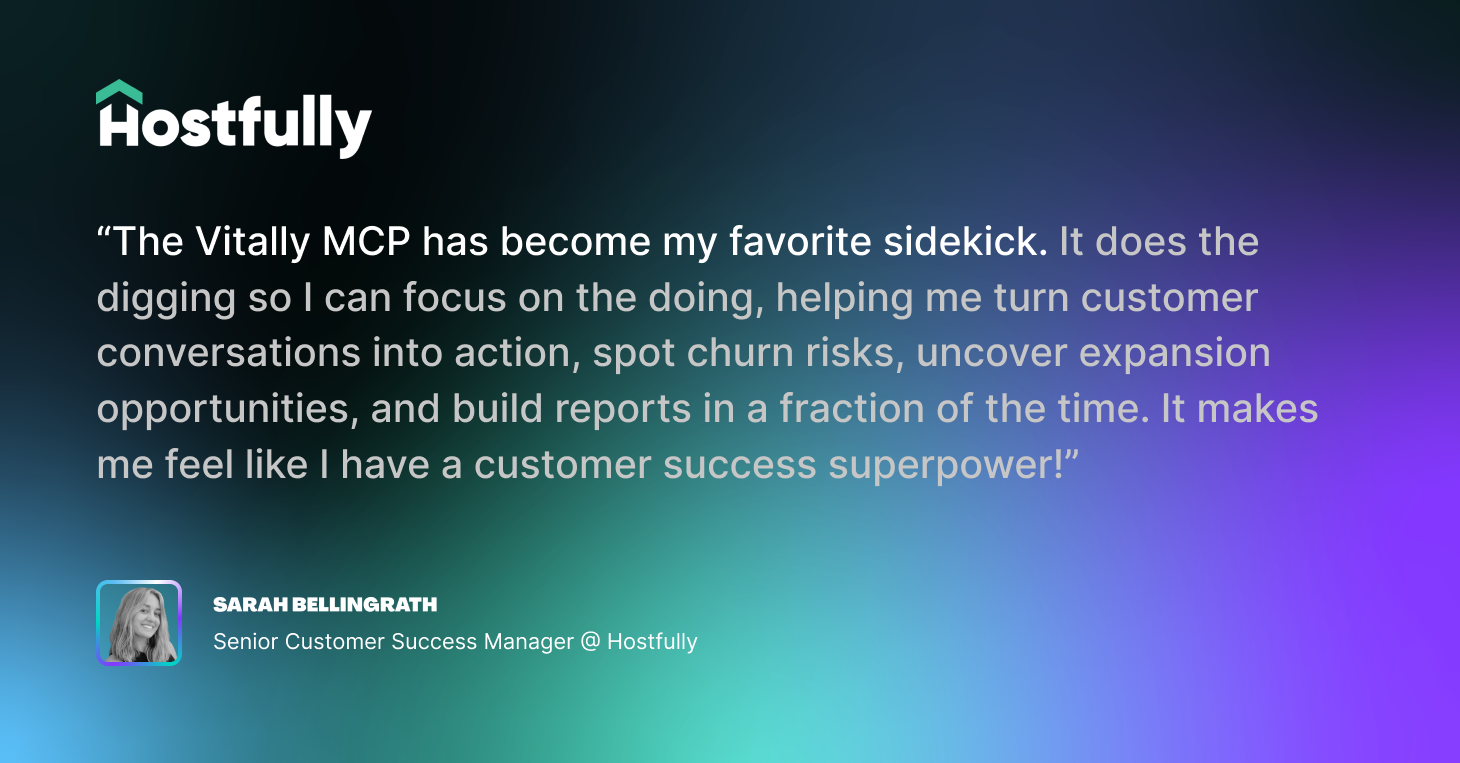
Ask About Any Account in Plain Language
No filters to configure, no reports to build. Ask a question the way you'd ask a teammate, and your AI translates it into a live query against your Vitally data.
You can pull the same account details you rely on every day — health scores, MRR and ARR, renewal and trial dates, NPS, assigned owners, segments, and any custom field your workspace tracks — and sort or narrow the results however you need.
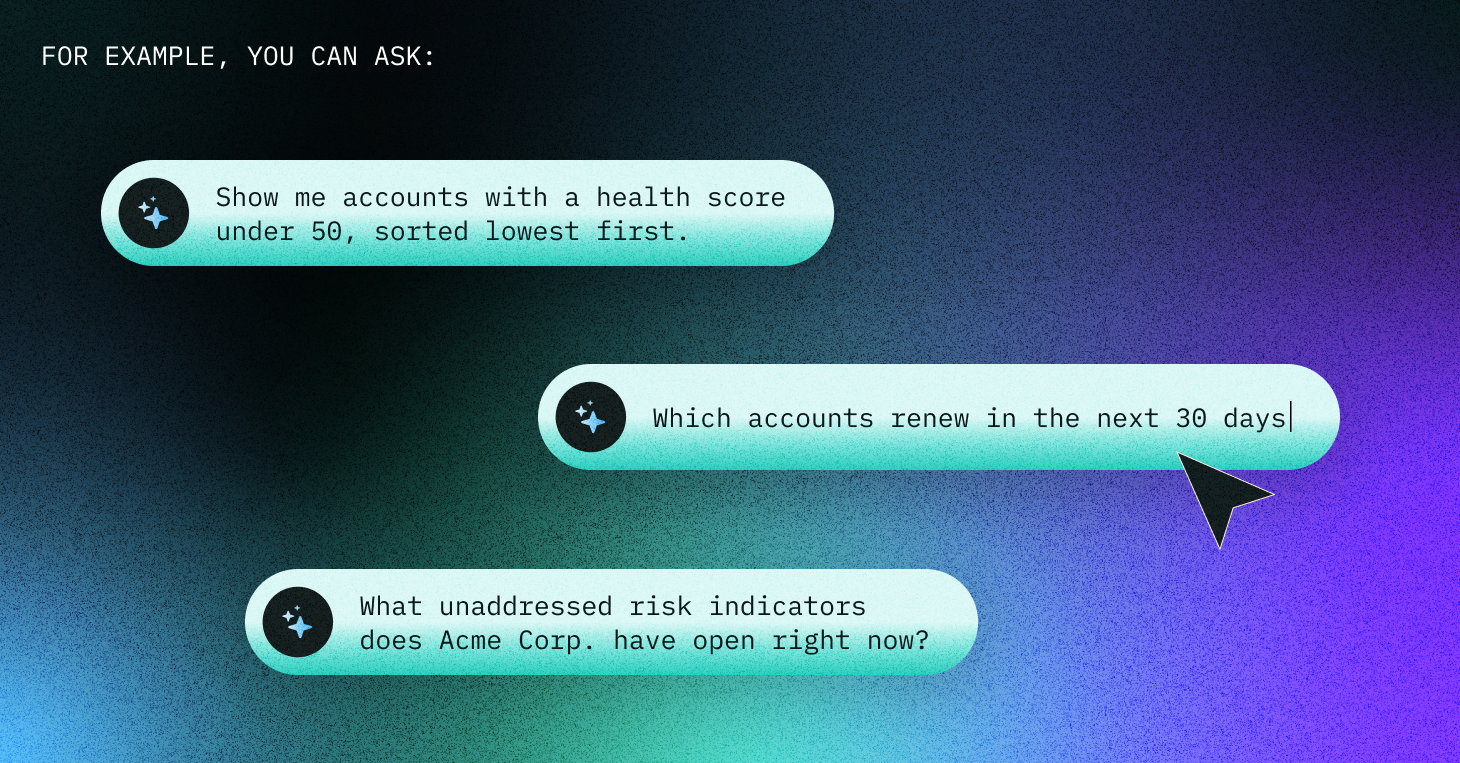
The AI checks your Vitally workspace’s exact field names before it runs each query, so it filters on the right data instead of guessing — including the Custom Traits and fields specific to how your team works.
Pull the Full Story Behind an Account
A list of note titles doesn't tell you what a customer actually said. The Vitally MCP Server can go a layer deeper and retrieve the real substance — the contents of notes, meeting transcript excerpts, email threads, survey responses, and Custom Object content — to answer a specific question.
This is what turns, "Find the notes on X customer" into, "Tell me what X customer thinks of our new reporting features." Every answer includes a link back to the source record, so you can trace any insight to the exact account, Conversation, Meeting, or Note it came from.
Take Action Without Leaving Your AI Tool
Answers are useful; action is better. When your AI surfaces something worth following up on, it can create the record for you — no context-switch required.
The Vitally MCP server allows you to easily create new Notes, Tasks, and Custom Objects directly from your AI tool of choice. You can capture a call summary, assign a follow-up, or log a product request the moment it comes up, and it's attributed to you exactly as if you'd created it in Vitally directly.
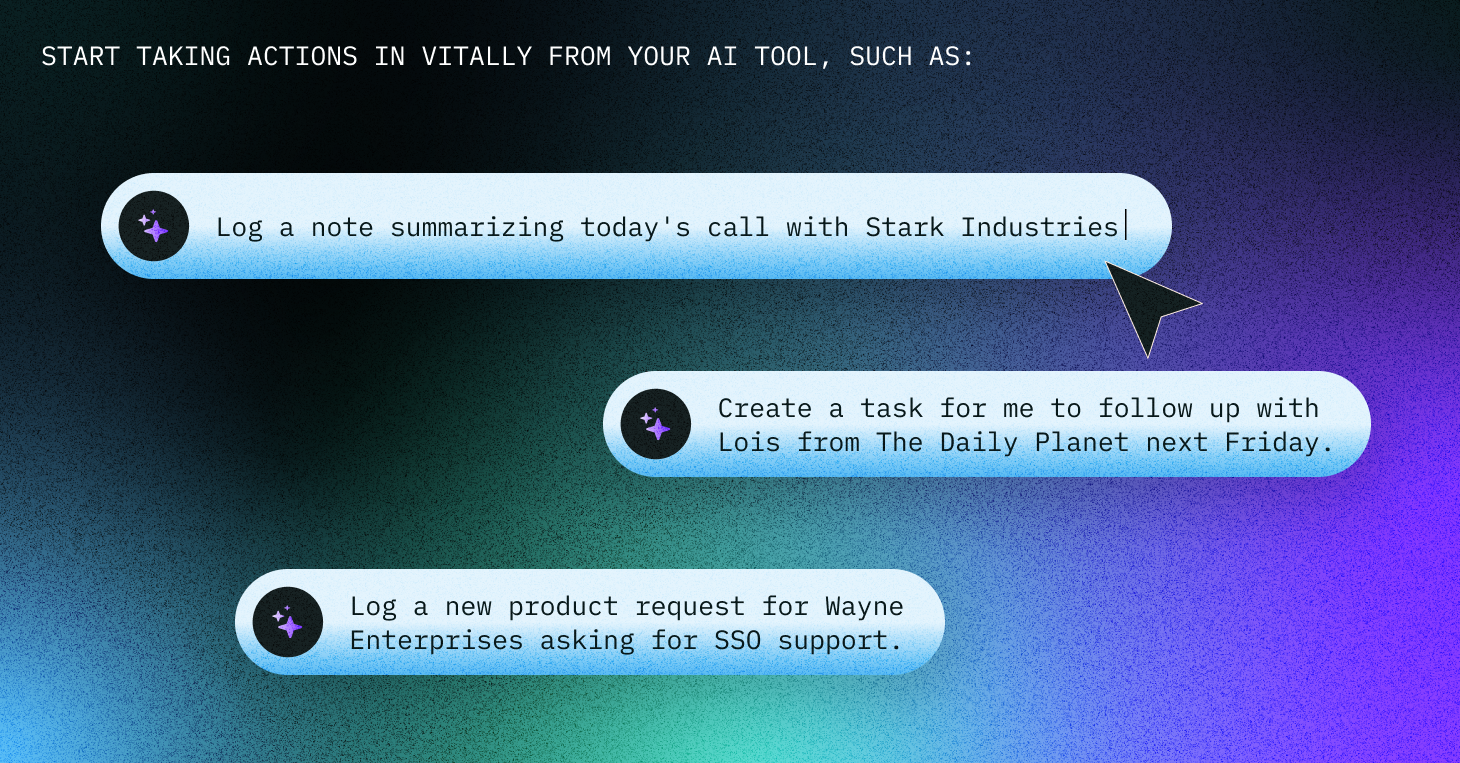
We’re excited to continue adding new tools to the MCP server and support for additional actions that help streamline your workflows between Vitally and your AI tools.
Chain It All Together into a Workflow
Because the MCP Server can look things up, dig into detail, and take action, your AI can string those steps into a single request rather than one query at a time.
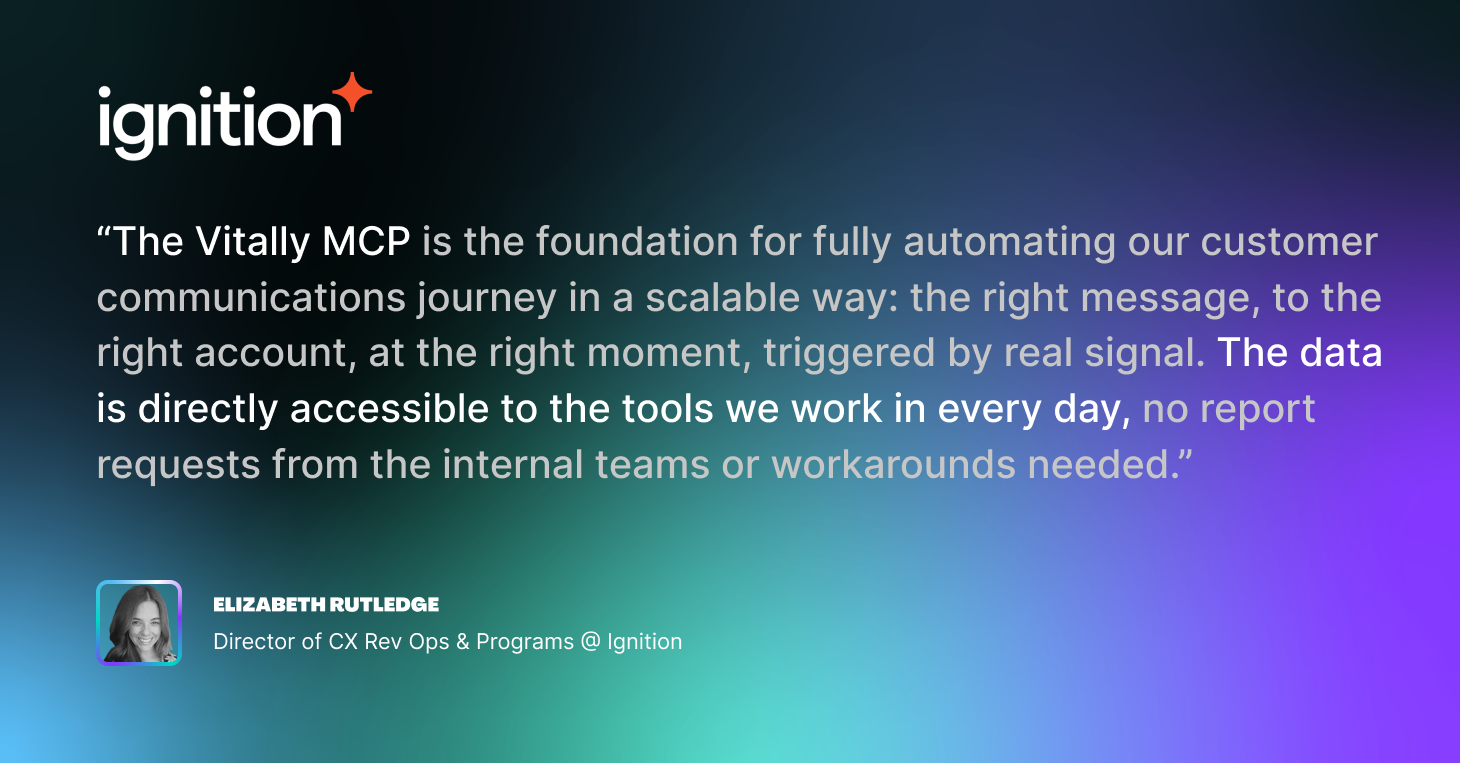
Ask it to find your at-risk accounts, check what's open on each one, and draft a follow-up plan — and it can work through the whole sequence, pulling the context it needs at each step. It's the difference between an assistant that answers questions and one that helps you run your book of business.
How This Fits with Vitally Copilot
If you already use Vitally Copilot, think of the MCP Server as the mirror image. Copilot lives inside Vitally and comes purpose-built around your workspace with zero setup. The MCP Server does the reverse: it brings your Vitally data out into the AI tools you use for everything else.
Choose Copilot when you want an AI experience purpose-built around Vitally, customized to how Customer Success professionals think and work. Choose the MCP server when you want Vitally data available inside an AI tool you're already working in, and the ability to connect it with other external tools like Slack and Notion. We find the two are best used in tandem depending on your specific use case.
Secure by Design
The Vitally MCP server acts with your permissions and no one else's. It respects your existing access in Vitally, so your AI can only see and do what you can see and do. Anything it creates is attributed to you.
For teams that want a guaranteed look-but-don't-touch connection, there's a dedicated read-only option that never exposes write tools at all.
Ready to Get Started?
The Vitally MCP Server is available now. If you're already a Vitally customer, you can connect your AI tool in a few minutes — see the setup guide in our Help Center. (We are also an approved connector in the Claude Connector Marketplace.)
New to Vitally? Schedule a demo to see how the MCP Server and the rest of the platform can help your team deliver Customer Success at scale.
Table of Contents
Request a Demo

Request a Demo
Request a Demo