Overview
Value
Most CS orgs eventually hit a wall where a one-size-fits-all model stops working: Enterprise accounts get under-served on strategic time, while SMB accounts eat up CSM hours they can't economically justify. Revenue Segmentation solves this by giving every account a clear, objective tier the moment it's created - no more "gut feel" segmentation or spreadsheet lookups.
With tiers in place, everything downstream gets sharper: task assignment rules, playbook triggers, health score thresholds, and reporting can all key off a single, trustworthy field instead of each team maintaining its own definition of "big account."
High-Level Strategy
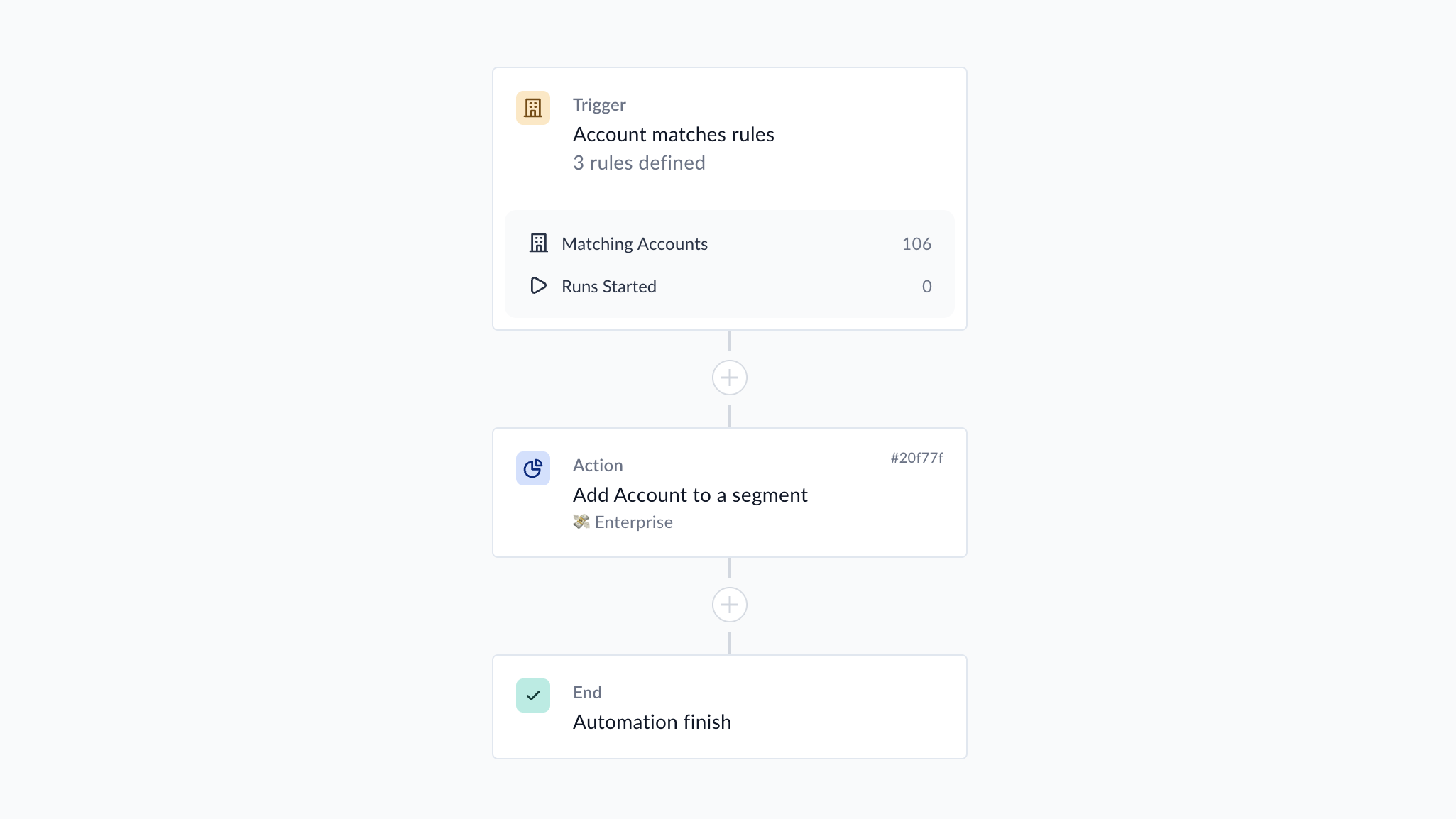
This Blueprint uses your uniquely defined revenue tiers to automatically assign the account to one of three Segments:
- SMB - below your defined lower threshold
- Mid-Market - between the lower and upper thresholds
- Enterprise - above the upper threshold
Segment labels update automatically whenever the underlying revenue trait changes, so accounts move tiers on their own as they expand (or contract). No manual re-tagging required.
Technical Guidance
- Revenue accuracy matters. Confirm that your ARR/MRR is correctly reflected in Vitally. If it is not, please chat with us about how to correctly map your revenue.
- Define your own thresholds . SMB/Mid-Market/Enterprise cutoffs vary widely by business. We offer default thresholds, but you can define your own tiers when you set up this Blueprint.
What's Included?
- Segment Labels - SMB, Mid Market, and Enterprise
- Segment Playbooks - Three Playbooks will automatically apply and unapply the labels based on either the following default tiers, or your uniquely defined revenue tiers:
- SMB = Less than $6,000 in ARR (or define your own tier)
- Mid Market = Between $6,000 and $15,000 in ARR (or define your own tier)
- Enterprise = Above $15,000 in ARR (or define your own tier)
Ready to Scale Your Customer Success?